Skip to content
Guests making a toast at a premium coastal wedding, with a phone and printed memories on the table

The practical collection plan

Collect the photos while the story is happening.

Choose one clear destination, ask while guests are already taking photos, and remove every unnecessary step between their camera roll and your collection.

One QR code → one no-login upload page → one private gallery.

A note for the couple ↓

Ask while the phone is still in their hand.

Guests are most likely to share while they are holding the phone that captured the photo. Put the prompt where the moment happens, explain it once, then let a browser page handle the rest.

At the tablemake it visible
On the nightmention it once
Next morningsend one link

Choose your route

Pick the one guests won’t abandon halfway.

There is no magic in the QR code itself. The win is what happens after the scan: fewer steps, no account, and one obvious place to upload.

less frictionmore photos
best all-rounderour pick

01 / QR + private gallery

Scan. Choose photos. Done.

Guests stay in their browser and upload straight from the camera roll. No app, guest account or hunting through a shared drive.

guest effortVery low
files landTogether
guest loginNot needed
Create a free gallery →Free to start · US$49 once to unlock

02

Shared cloud folder

Works best with technically confident groups

Guest action: Guests open a folder link and use its upload controls

Where it lands: One folder, but file-management UI can confuse guests

03

WhatsApp or group chat

Useful for small groups, weak as the master collection

Guest action: Guests send files into a conversation

Where it lands: Mixed with conversation and spread across chats

04

Wedding hashtag

Better for public discovery than private collection

Guest action: Guests post publicly or to their own social account

Likely friction: Easy for active social users; excludes private/non-posting guests

05

Disposable cameras

Aesthetic experience, not an instant digital gallery

Guest action: Guests take photos on physical cameras

Likely friction: Simple on the night; collection and development happen later

The best method is the one that still feels easy after dinner, speeches and two trips to the dance floor.

live from the guest camera roll

The wedding-day photo dump.

The polished album gets the portraits. Your guests get everything that made the day feel like yours.

swipe the moments

A couple signing their marriage register at a limestone manor wedding
Wguest uploads· now

The quiet bits before it begins.

moment 01

Before the wedding

  • Create and test the upload destination on iPhone and Android
  • Generate the QR code from the final gallery link
  • Print 1 card per table plus signs for high-traffic areas
  • Use the same short instruction on every sign
  • Ask the MC or a trusted person to mention it once
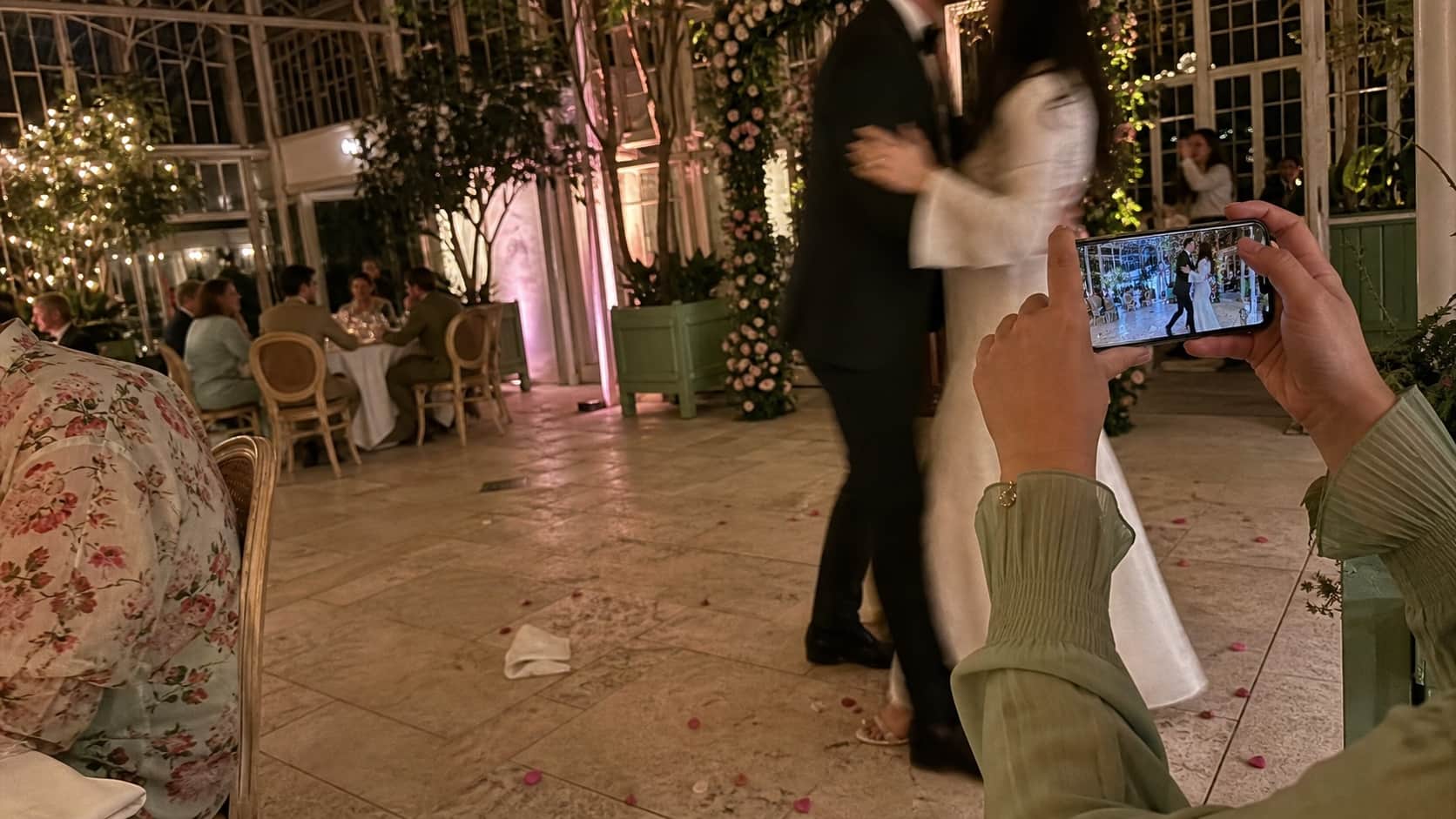
A guest taking an iPhone photo on an elegant glasshouse dance floor
Wguest uploads· now

The dance floor gets wonderfully unpolished.

moment 02

During the reception

  • Leave signs visible after menus and place cards move
  • Mention the gallery after the welcome speech
  • Put a reminder near the bar, photo booth or dance floor
  • Ask the wedding party to make the first uploads
  • Avoid forcing guests to install an app or create an account
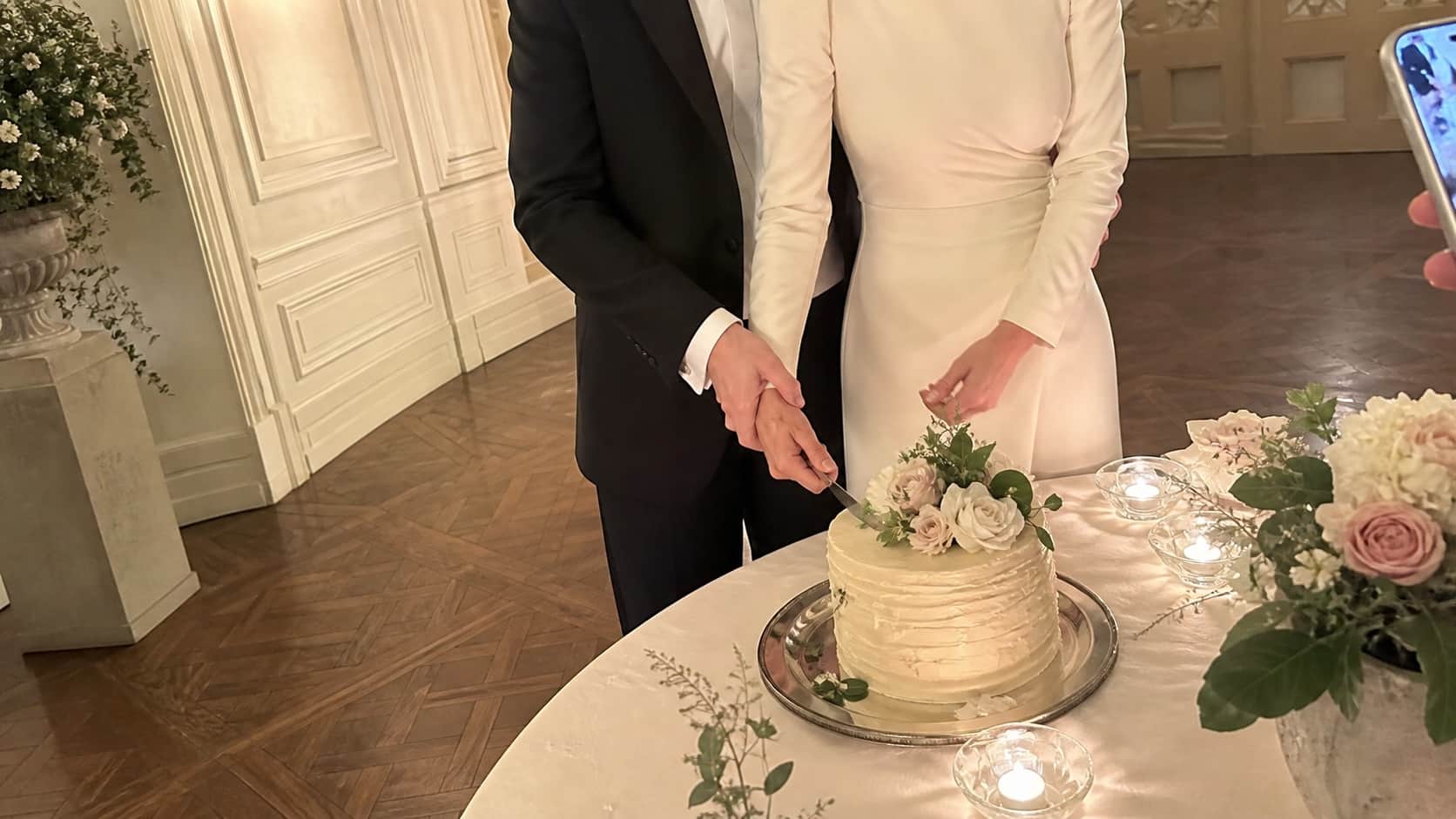
A couple cutting their wedding cake inside a private estate
Wguest uploads· now

The morning-after evidence arrives.

moment 03

After the wedding

  • Keep the upload link open for late additions
  • Send one reminder with the direct link
  • Download and back up the complete collection
  • Thank guests and share the final gallery when ready
  • Keep professional and guest images clearly labelled if combined

Three stages. One upload link. Zero chasing.

Quick answers for real guest lists

The questions couples ask before printing the signs.

Clear enough for your grandparents. Quick enough for the friend who is already heading back to the dance floor.

Q1start here

What is the easiest way to collect wedding photos from guests?

Use a QR code that opens a browser-based upload page connected to one private gallery. Guests can scan, choose photos or videos and upload without searching for a contact or remembering where to send files.

See the QR upload journey →
Q2timing

When should I ask guests to upload wedding photos?

Ask during the reception while guests have their phones and the moment is fresh. Keep the link open afterward and send one reminder for people who want to add more from their camera roll.

Q3quality

How do I collect full-quality wedding photos?

Use a gallery or file-transfer workflow that accepts original files rather than relying only on social posts or messaging apps that may resize media. Download and back up the collection after the event.

Q4for everyone

Can older guests use a wedding photo QR code?

Guests need to know how to open their phone camera and tap the link that appears. Clear sign wording and a no-login browser upload page make the process much easier than an app download or unfamiliar shared folder.