Typical photo-sharing app
Download first. Share later. Maybe.
- ×Find the right app
- ×Wait for the download
- ×Create an account
- ×Remember a password
- ×Join the correct event
Wedding photo sharing without an app
Guests upload photos and videos to your private wedding gallery from their browser. No app download, account or password.
Nothing for guests to install. Nothing for you to chase.
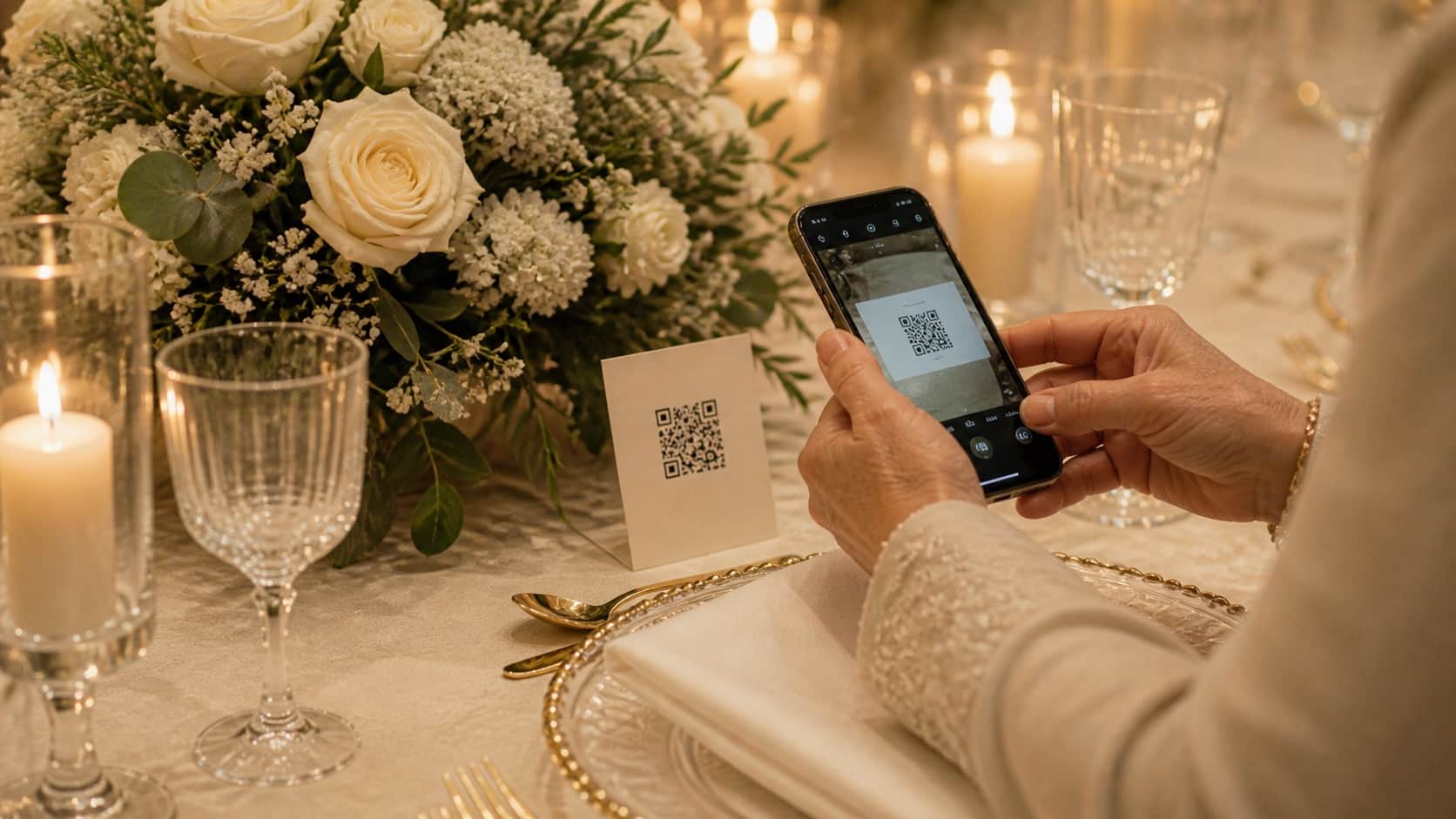
Real guest flow
Phone camera → browser → gallery
See the complete guest flow
The experience looks like the phone guests already use. There is no onboarding screen hiding between the QR code and their camera roll.
Mia & Luca
Share your photos
Point your camera here
The camera opens the private upload page in the browser.
 ✓
✓ ✓
✓ ✓
✓ +
+ +
+ +
+Photos and videos come straight from the camera roll.
uploaded by a guest4 new memories
all safely together
The gallery updates. The guest returns to the celebration.
The photographs between the photographs
Your photographer delivers the polished story. Guests add the angles, reactions and small moments that happened everywhere else.
The friction test
People are at a wedding, not onboarding into software. WedClic keeps the path deliberately short so more photos make it home.
Typical photo-sharing app
WedClic
Built around the wedding, not the software
The technology stays quiet. The signs, prompts and gallery fit naturally into the moments already happening.
The QR code is waiting before anyone needs it.
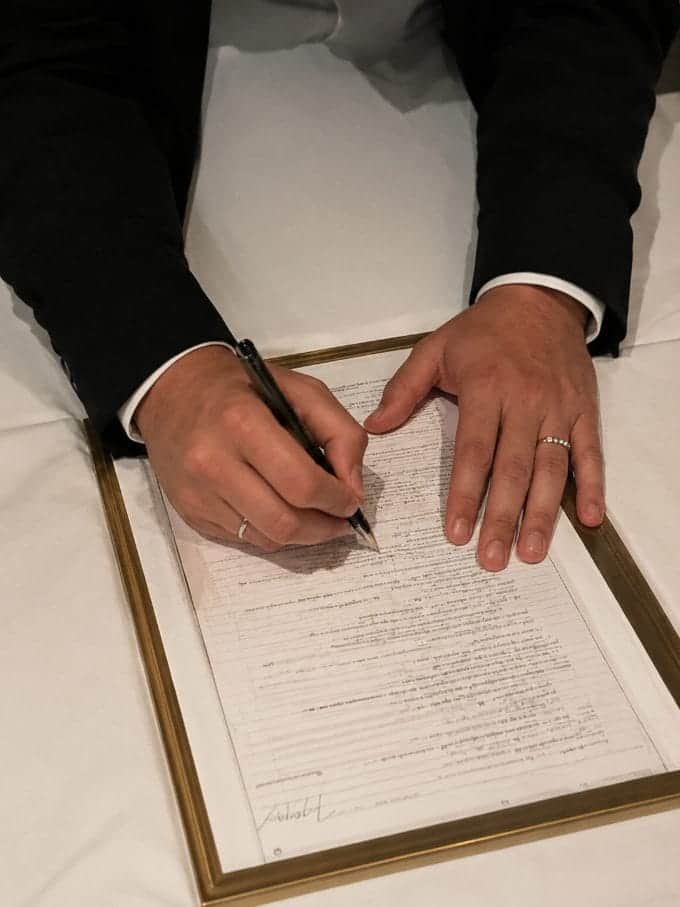
Wedding moment 01
App downloads fail at weddings for three specific reasons. First, signal: a venue with 200 people in an old building often has a congested mobile network — downloading a 150MB app during cocktail hour is a two-minute frustration, not a two-second action. Second, storage: guests at a wedding often have full camera rolls and minimal free space. App installs get cancelled the moment the "not enough storage" alert appears. Third, motivation: guests are at a party, in formal clothes, in a social context. The motivation to set up new software on behalf of someone else is low.
WedClic's upload page loads in under two seconds and works in any mobile browser, no install required.
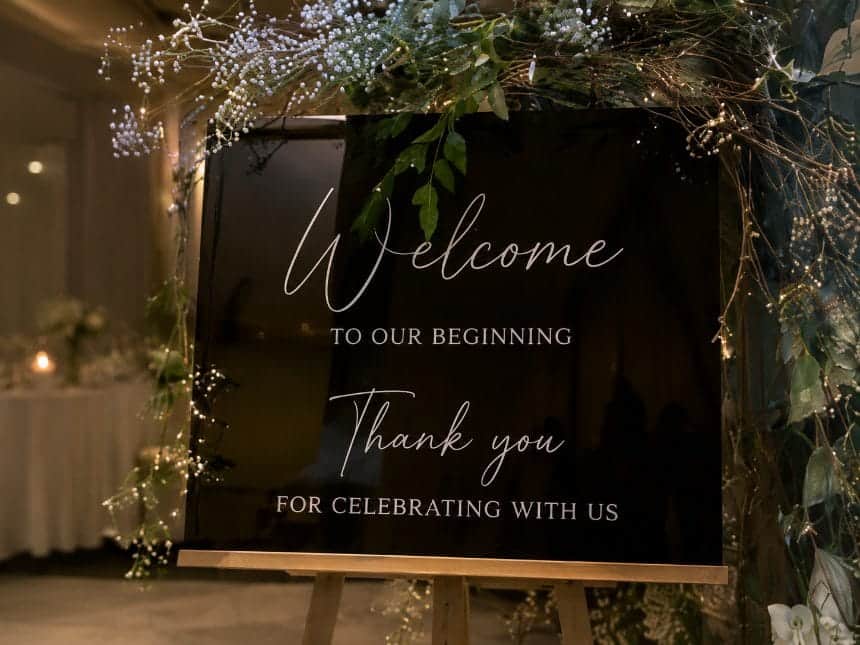
No one has to leave the table or download an app.
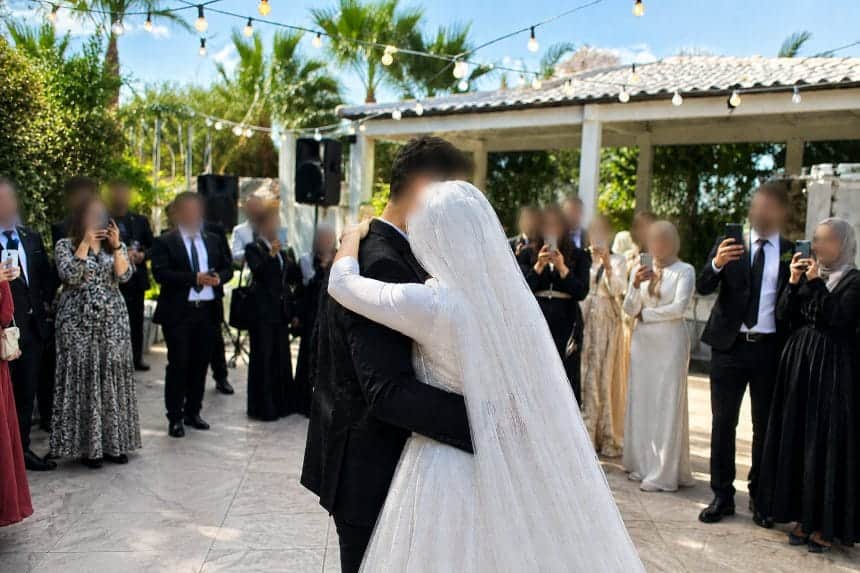
Wedding moment 02
A no-app wedding gallery has to work for everyone at the reception. The 19-year-old who has been on Instagram for a decade and will scan without thinking. The 70-year-old who uses their phone primarily for calls and needs a clear QR code with obvious instructions. The international guests on roaming data who want the fastest possible interaction. The groomsman who already has too many notifications and will not engage with another app prompt.
WedClic's guest flow has been reduced to the fewest possible steps. There is no version of "this is too simple." Simpler always means more uploads. Every reduction in friction is a photo you would otherwise not have received.
The imperfect, personal moments make it home.
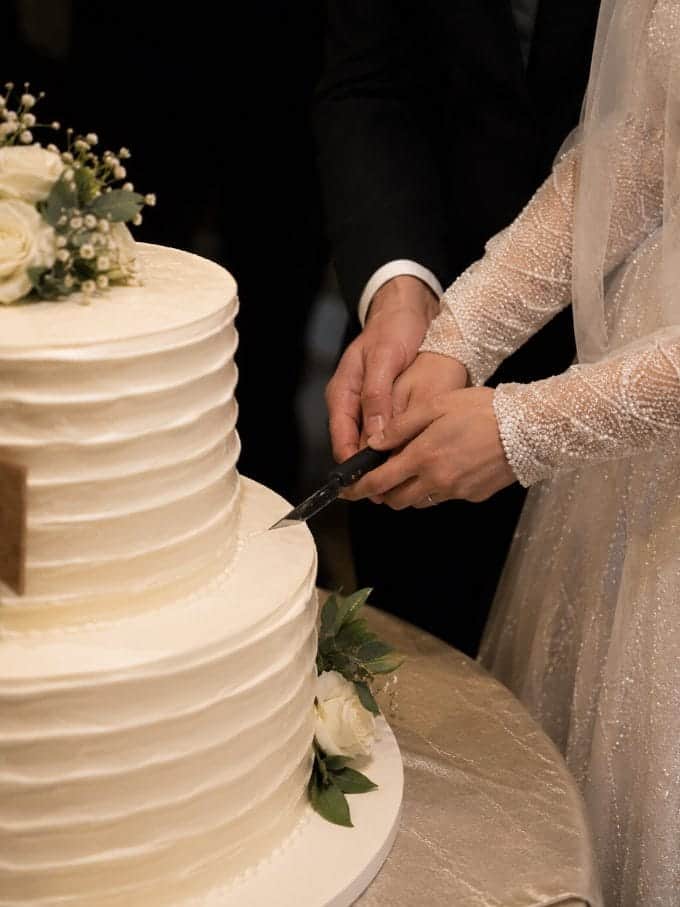
Wedding moment 03
No-app for guests does not mean lightweight for the couple. WedClic includes a full dashboard with gallery browsing, photo management, guest messages, printable QR designs, a custom gallery URL, and ZIP download for the full collection — and your gallery is kept forever.
Unlimited uploads, live slideshow, and grand reveal unlock with one US$49 payment. The guest experience is stripped down because the wedding context demands it, while the couple keeps the tools needed to manage and download the collection.
Turn the idea into the setup
Start with the gallery if you need an upload destination. If that part is ready, move straight to the free QR and sign tools.
Straight answers
Yes. With WedClic, guests scan a QR code and upload through their phone browser. No app download or account is required.
Yes. WedClic works in the browser on all modern iPhone and Android devices, regardless of operating system version.
Yes. Every WedClic gallery, free included, accepts photo and video uploads from the guest browser upload page.
Yes, on any phone with a modern browser — Safari on iPhone, Chrome on Android. WedClic does not require the latest OS. If a guest can scan a QR code and browse a website, they can upload.
Photo uploads use data proportional to file size — a typical JPEG is 2–5 MB. If data is a concern for international guests, they can connect to venue WiFi before uploading. Most venues have guest WiFi that handles this easily.
Photos up to 50 MB and videos up to 2 GB per file are supported. Large video originals are preserved in full quality; guests will benefit from a strong Wi-Fi or 5G connection for those heavier uploads.
Yes. Your gallery is private. Guests reach the upload page only with your specific QR code or direct link. Nothing is publicly accessible or indexed. Photos are stored in your private couple gallery and are never shared with anyone else.
Free to start · US$49 once to unlock everything