Skip to content
Wedding photo QR codeSign placement guide
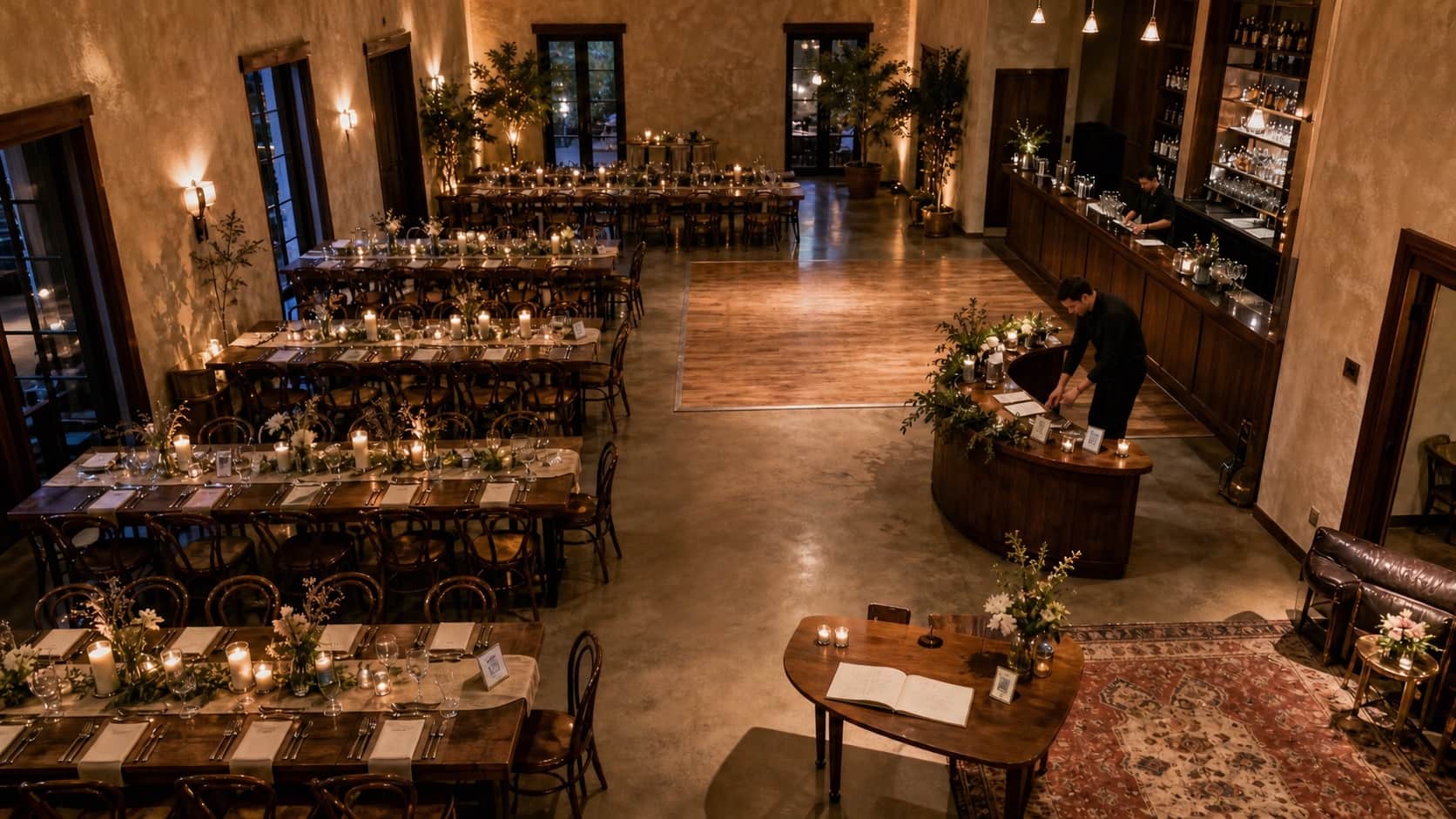
An elevated view of a wedding reception showing tables, bar, dance floor and guestbook placement zones

Free sign calculator + placement guide

Put the QR sign where the good stuff happens.

Tables make the code easy to find. The welcome area explains it. The bar and dance floor remind guests while their cameras are already out.

Plan my signs

See it. Understand it. Scan it.

Your Reception

Build the sign plan

Recommended Plan

14signs in total
  1. Reception tables10 cards
  2. Welcome or seating-chart area1 sign
  3. Bar areas1 sign
  4. Dance floor1 sign
  5. Photo booth1 sign

This is a practical starting point, not a printing rule. Large rooms, separate outdoor areas and multi-day weddings may need duplicates.

Walk through the reception

Three moments. Six useful places.

Give guests one introduction, easy table coverage and a reminder when the cameras come out.

hello, this is where the photos go

moment 01 · arrival

Let guests discover it naturally.

Reception tablesBest primary placement

Guests sit here long enough to notice, understand and scan the sign. Use 1 card per table rather than expecting guests to pass a single code around the room.

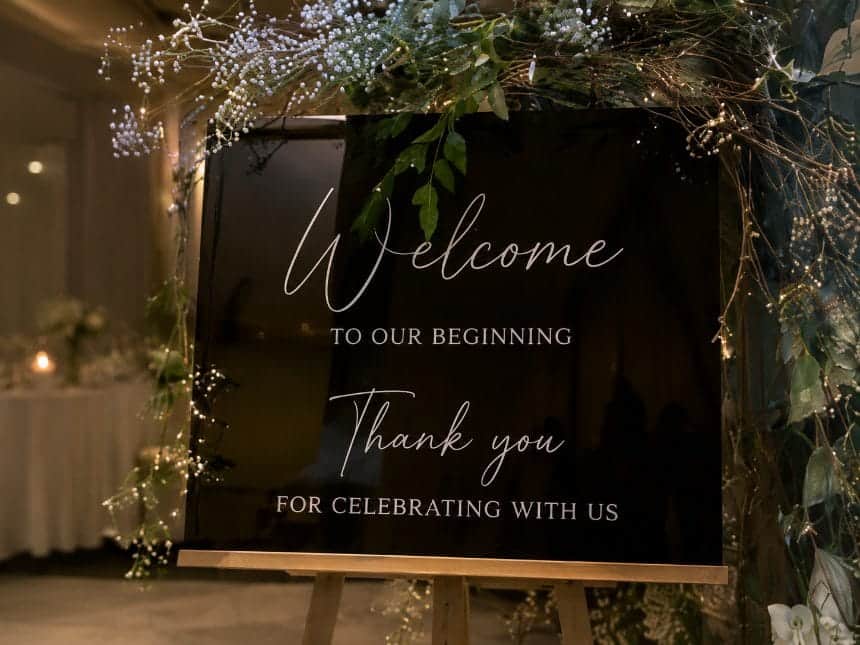
Welcome or seating-chart areaBest introduction

A larger sign introduces the gallery as guests arrive. Repeat the message at tables so nobody has to remember it hours later.
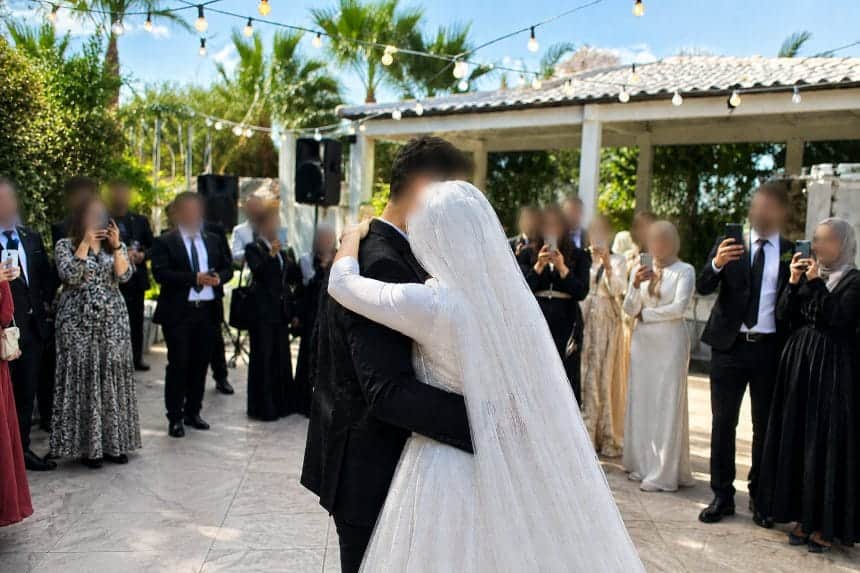
phones are already out

moment 02 · reception

Put the reminder beside the action.

BarBest natural pause

Queues and drink service create idle moments. Keep the sign away from wet surfaces and use the same wording as the table cards.

Dance floorBest for videos

Place a sturdy sign near—but not inside—the busiest traffic path. This catches the candid photos and clips people are already taking.

one more memory for the gallery

moment 03 · the extras

Catch the photos people planned to take.

Photo boothBest for intentional photos

Put the sign beside the exit or print station so guests upload after taking the photo rather than before their turn.

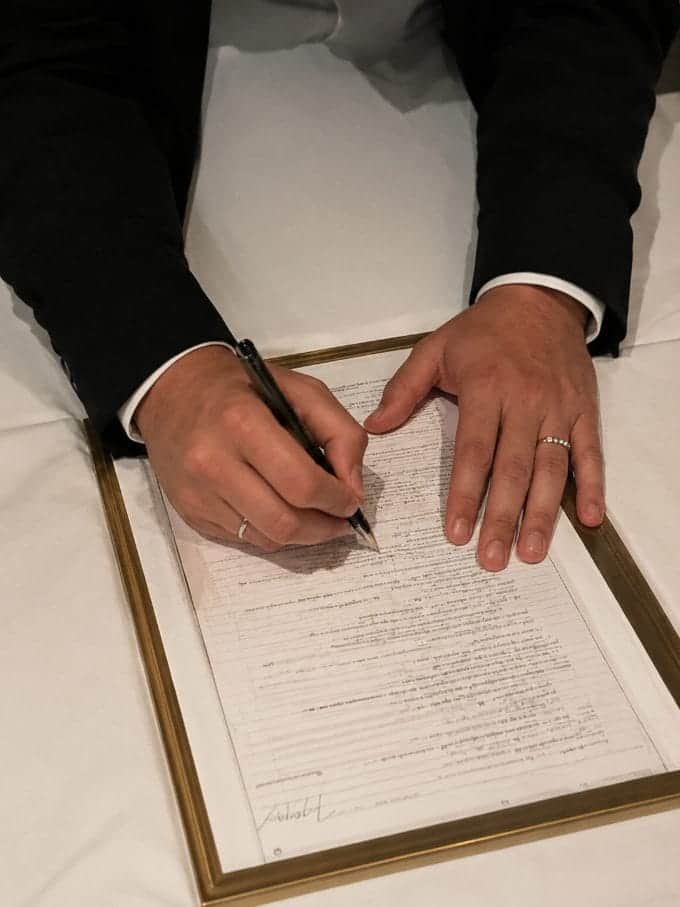
Guestbook tableBest for messages

Pair the QR code with wording that invites guests to add both a photo and a short note to the couple.

The final print test

Print it. Place it. Step back.

  1. 01Print the final sizeA screen preview cannot reveal paper glare or a code that is physically too small.
  2. 02Use the real lightingPlace it beside the flowers, candles and menus exactly as guests will see it.
  3. 03Scan from 1 metre awayTry two different phones. The gallery should open without a login or explanation.

Fix these six things before the printer runs.

  • 01Printing the code too small or without white space around it
  • 02Using only “Scan me” without saying what opens
  • 03Placing glossy signs directly under harsh lights
  • 04Hiding the sign behind flowers, menus or table numbers
  • 05Testing the screen version but never scanning the final print
  • 06Pointing the code at a folder that asks guests to log in

Before you print the stack

The questions couples ask at the printer.

Q1start here

How many wedding QR code signs do I need?

A useful baseline is 1 card per reception table, plus a larger sign at the entrance, 1 at each bar and 1 near the dance floor. Add signs at a photo booth, guestbook or separate outdoor area when relevant.

Q2tables

Should every table have a QR code?

Usually yes. A table card removes the need to walk across the room, remember a URL or wait for someone else to share the code. For long banquet tables, use more than 1 sign if guests cannot easily see the same card.

Q3menus

Can the QR code go on the menu?

Yes, provided the code remains large enough, has clear space around it and does not compete with dense menu text. A separate table card is easier to notice and can remain visible after menus are removed.

Q4timing

When should guests be told about the QR code?

Introduce it on arrival, mention it briefly after the welcome speech and leave the signs visible throughout the reception. Avoid repeated announcements that interrupt the event.

Signs sorted. Gallery next.

Give every scan somewhere lovely to land.

Guests upload photos and videos from their browser. Create the gallery free, then unlock everything for US$49 once.

Create My Free Gallery

No card needed · no subscription