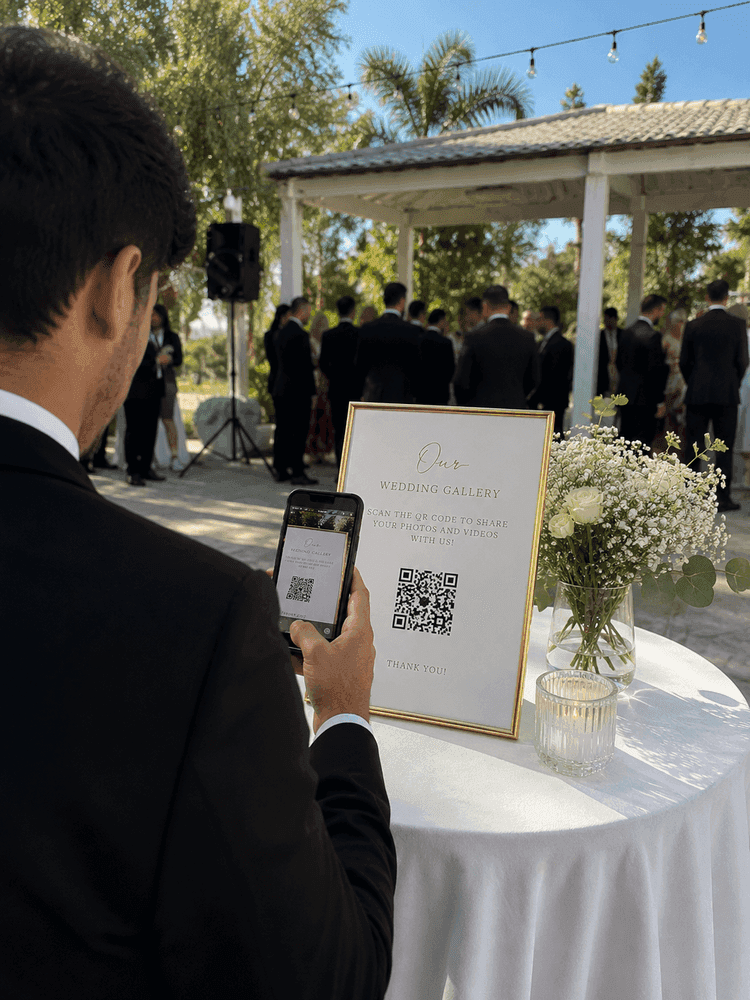
Point the camera.
The QR code opens the upload page.

Live wedding slideshow
Guests scan, upload, and see their photo join the room. No app. No refresh. Every memory also lands in your private gallery.
The super-simple version
A guest adds a photo. It appears on the wedding screen. You keep it in your gallery.
A live wedding slideshow displays guest photos on a reception screen as they upload them through a QR code. With WedClic, guests upload from their browser, the slideshow updates automatically, and every photo also saves to the couple’s private gallery. The live slideshow is included with the US$49 one-time unlock.
One loop, all night
You can understand the whole product in three pictures. Watch the pink dot travel from the guest’s phone to the wedding screen.
The QR code opens the upload page.


No app and no guest account.
And the same photo saves to your gallery.
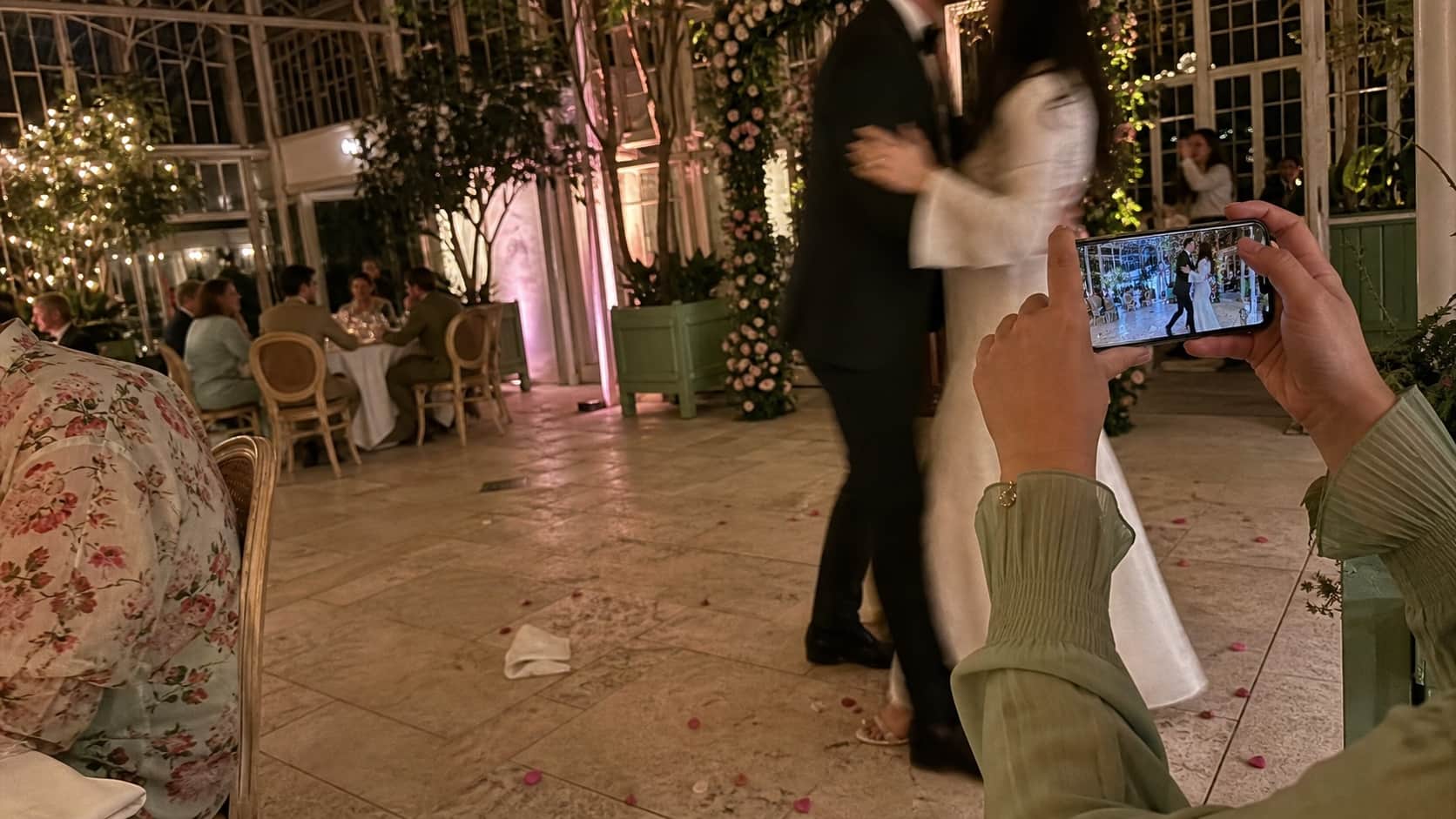
The live performance belongs to the room.
The morning after
The slideshow is not a temporary projection. Every upload saves to the private couple gallery in full quality.


The complete venue setup
If a laptop can connect to the venue screen, WedClic can run there.
Make the guest QR code →slideshow.wedclic.com1. Open the slideshow
2. Put it on the venue screen
Why people actually use it
You do not need to understand the technology. These are the three things that matter.
When people see a friend’s photo on the big screen, they scan the QR code and add their own.
There is a social feedback loop at live events. When a photo appears on a venue screen, the person who uploaded it gets a small acknowledgement — not a formal announcement, but the visible recognition of seeing their shot projected for a room full of people. That recognition is a surprisingly powerful motivator.
The table that sees their selfie on screen immediately takes another one. The couple on the dance floor watches the stream and uploads what they just filmed. A guest who had not thought to scan the QR code walks past the screen, sees the live feed, and wants to contribute. Guests who might have uploaded nothing scan because they want to be on the screen.
Open one link on a laptop, then use HDMI or casting to put it on the screen.
A live wedding slideshow does not require special venue hardware. The slideshow URL is a browser page — open it on a laptop connected to the projector via HDMI, cast it through a Chromecast, or ask the DJ if they have a second screen they can pull a URL up on. Most venues can accommodate this with equipment they already have.
Keep the QR code visible on tables and signs throughout the night so the slideshow keeps getting fed. The best moments often arrive late in the evening when guests are relaxed, the formal programme is over, and the dance floor is full.
The slideshow is fun for the night. The private gallery is yours after the wedding.
The live slideshow moment happens during the party. Everything uploaded for the slideshow is also saved to your WedClic gallery. After the wedding, you can browse every photo that appeared on screen and download the full collection. There is no scheduled gallery expiry while WedClic operates.
The slideshow is the live performance. The gallery is the archive. With WedClic, both come from the same upload event — there is no separate setup for the live view and the saved collection.
Still wondering?
Start with the basics. Open the detailed questions only when you need them.
Create a WedClic gallery, unlock everything with the one-time $49, share the QR code with guests, and open the slideshow URL in a browser on a screen at your venue. As guests upload, photos appear in the slideshow automatically — no refresh needed.
Yes. Guests scan and upload from their phones in real time throughout the event. The slideshow updates as each new upload arrives.
The live slideshow is included in the one-time $49 unlock. You can start free and unlock before the wedding day if you want the live screen experience.
Any screen connected to a browser works — projector, TV, or a dedicated venue display. Larger screens make the social loop more visible and tend to drive more uploads because more guests can see the feed from across the room.
Open the slideshow URL in a browser on a laptop, then connect via HDMI. If the venue has a smart display, you can cast directly from Chrome or Safari. The slideshow URL is just a link — any screen with a browser can show it.
All uploaded photos appear in the slideshow by default, and the one-time $49 unlock includes smart photo moderation. You can review and remove any photos from your dashboard after the event.
Yes. The slideshow is visible only on the screens you share it to — it is not a publicly accessible URL that anyone can search for. Photos are stored in your private WedClic gallery. Guests watching the slideshow cannot access your full gallery from the slideshow view.
Test it before the wedding
Create the gallery free. Unlock the live slideshow and complete collection for US$49 once.
No subscription · one-time unlock