01
If guests hate downloads
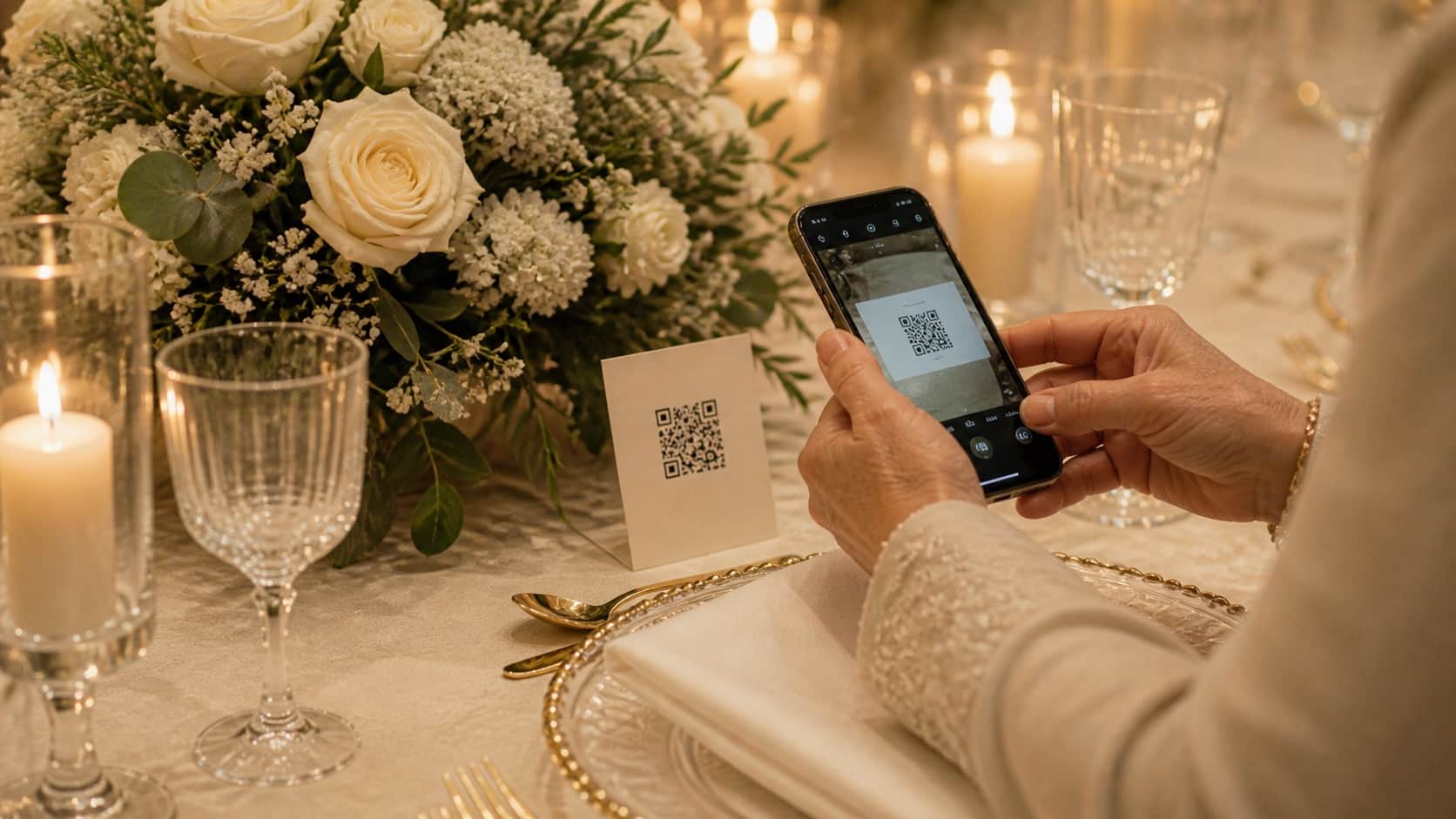
WedClic opens straight in their browser.
The honest wedding photo comparison
Shared drives create permission problems. Hashtags make memories public. Disposable cameras create work. WedClic gives guests the shortest path and gives you the complete private collection.
The decision desk
For most weddings, a no-app QR code gallery offers the best balance of guest ease, privacy, original-quality files, and predictable cost. Shared drives can work for small groups, hashtags are public, and disposable cameras add handling and development. WedClic lets guests upload in their browser and costs US$49 once to unlock everything.
Swipe sideways to compare every option →
Choose by what matters
There is no perfect method for every couple. There is a clear winner once you decide what you refuse to compromise on.
WedClic opens straight in their browser.

WedClic keeps the gallery private and link-only.
WedClic keeps everything together for one download.
Where each option cracks
The charming idea and the wedding-day reality are often different. Here is the honest version.
Google Drive and Dropbox are tools most guests have used before. That familiarity is genuinely appealing. But they fail at weddings in specific and predictable ways. First, permissions: shared folders often block contributors who do not have the right account setup, or require a request-and-approval step before guests can add anything. Second, the mobile upload experience: uploading to a shared drive from a phone is a multi-step process with no obvious feedback when it works or fails. Third, there is no wedding context — it is just a folder in a list of folders.
WedClic's upload page is designed for a single purpose: upload photos from this wedding. It is short, branded for the event, and unambiguous. Guests scan and see exactly what to do.
Wedding hashtags are free and require nothing from the couple except a name. That is genuinely appealing. But they depend on guests choosing to post publicly — a meaningful portion will not, especially older guests who are not active on Instagram or who prefer not to post photos publicly.
Photos posted to a hashtag are at full resolution only if the platform has not compressed them, which it usually has. They are searchable by anyone. There is no central download — you save photos one by one or use a third-party scraper with varying legality. WedClic collects original files, keeps them private, and gives you a single ZIP download for the entire collection.
Disposable cameras require physical handling at an event that is already logistically demanding. Someone needs to buy enough cameras for every table, put them out before guests arrive, collect them at the end of the night (while also trying to be present at their own wedding), pay for development that takes days, and hope none went missing.
The romantic version of the disposable camera idea is real. The actual logistics are more stressful than couples usually anticipate. WedClic collects the same candid, guest-perspective photos without any of the hardware, handling, or development timeline.
Quick answers
A QR code upload gallery is usually easiest for guests because it requires no app download or account. They scan and upload in under a minute from any phone.
For weddings specifically, yes. Google Drive has permission friction, no wedding-specific upload experience, and no gallery view built for browsing the day after. WedClic is built for the event context.
Yes. Galleries are private couple galleries. The upload page is only accessible with your specific QR code or direct link — not searchable, not listed publicly.
Those apps require guests to download something before they can contribute. Guest download rates at weddings are significantly lower than couples expect. WedClic's browser-based upload removes that barrier.
Duplicate files are flagged during the batch upload process. The gallery shows originals by default, and you can review and remove any duplicates from the couple dashboard.
There is no scheduled gallery expiry while WedClic operates. We may apply reasonable technical limits to prevent abuse and will notify you if an event is unusually large. You can download your full ZIP at any time and should keep your own backup.
Yes. Photos are stored in Cloudflare R2 private storage. Only people with your QR code or gallery link can access the upload page. Nothing is publicly indexed, and WedClic does not share photos with third parties.
The easiest way to compare
Create a gallery free. If WedClic earns its place, US$49 once unlocks everything forever.
Start my free gallery→