You keepUS$200a wedding
Over a yearUS$4,00020 weddings
Example figures: you set your own price. WedClic costs US$49 for each wedding you unlock.
A guest-filmed wedding video turns the guests’ phone footage into a finished film. Here’s how to set one up as a business: what to sell, how to price it, how to brief guests, and how to collect every clip without chasing anyone.
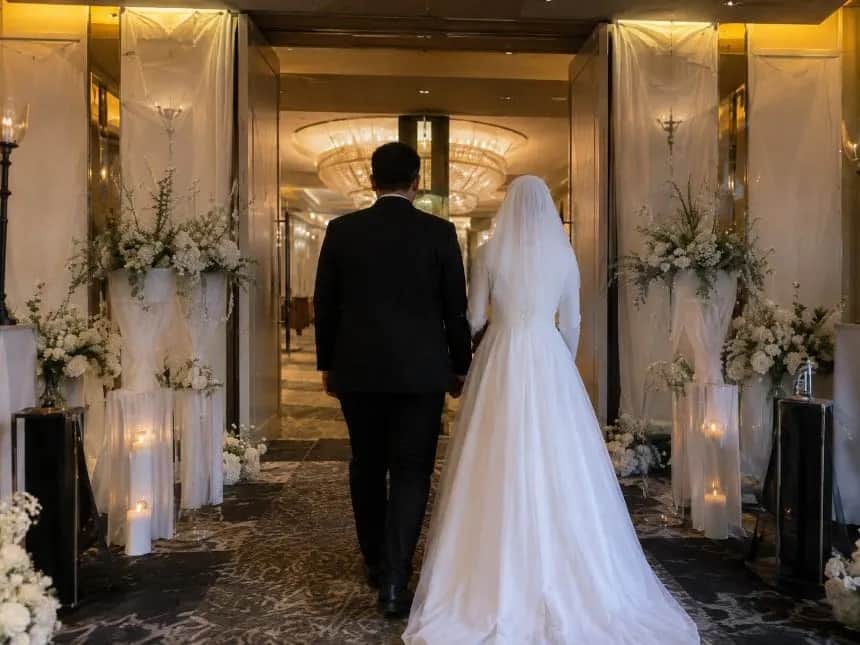
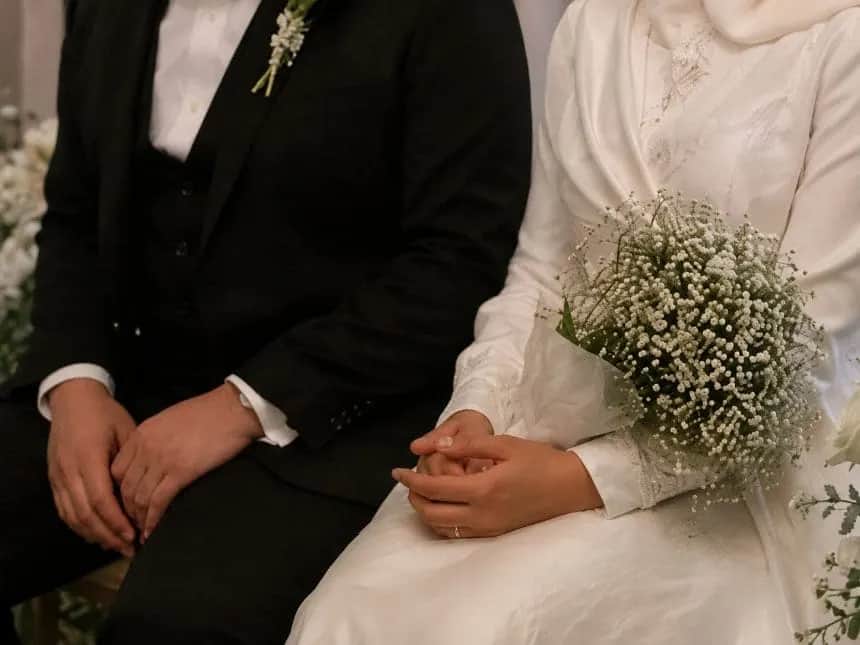
The couple books you. Guests film. You collect the clips and edit the film.
A guest-filmed wedding video business turns the clips guests film on their phones into an edited wedding film. The couple books the service, guests film from a shot list on the day, and the business collects every clip and edits the film. Some businesses also send cameras to the wedding; others work only from the guests’ phones.
Step by step
The business is the system: a clear offer, a guest brief that works, and a way to collect every clip.
Decide whether you edit only from guests’ phones or also send cameras to the wedding, how long the film is, and how soon you deliver it.
Add up your editing time, music licensing and collection cost (US$49 a wedding with WedClic for Pros), then your margin. Quote one clear price per wedding.
Send them the shot list, the QR sign wording and one line for the host to read out at the reception.
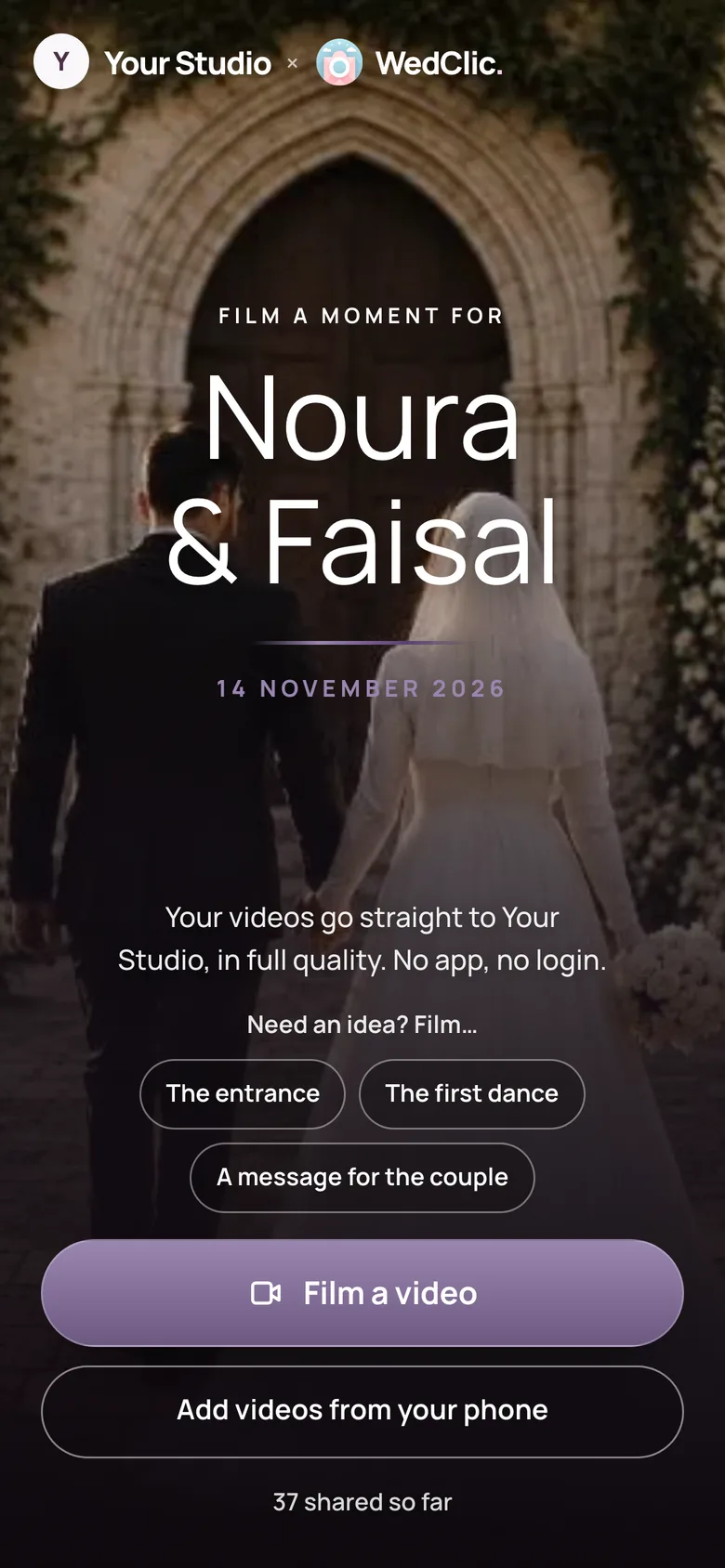
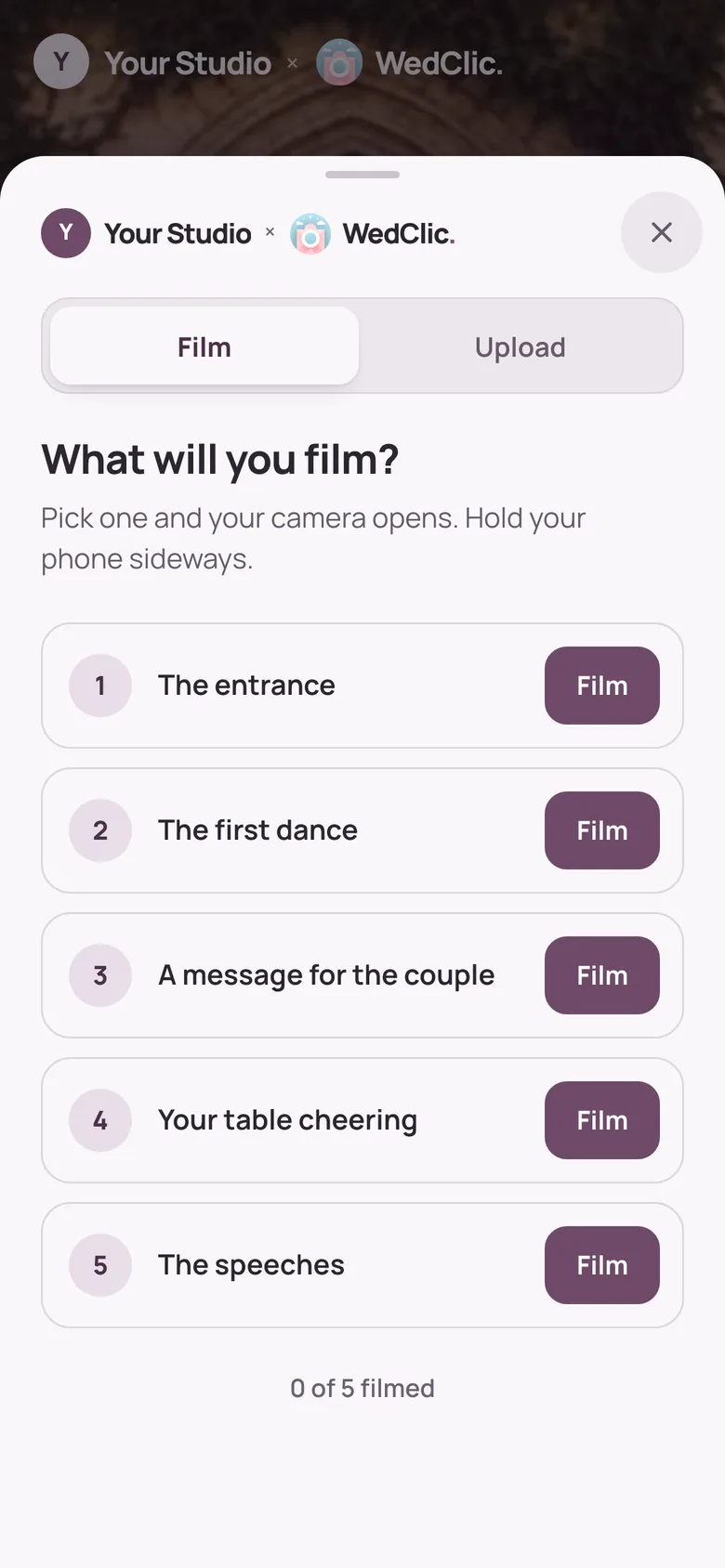
Give guests a shot list instead of a blank request: the entrance, the first dance, a message for the couple. Ask them to hold the phone sideways.
One QR code per wedding, opening a page with your business name. Clips upload from the browser as original files, so nothing is lost to a group chat.
Sort the clips by moment, pick the clearest angle of each, and take the speech audio from the phone closest to the microphone.
Deliver the film on time, then ask the couple for a review and a name or two of engaged friends.
Steps four and five
Guests open your page from the QR code, see your shot list and film. Every clip lands in that wedding.
The money
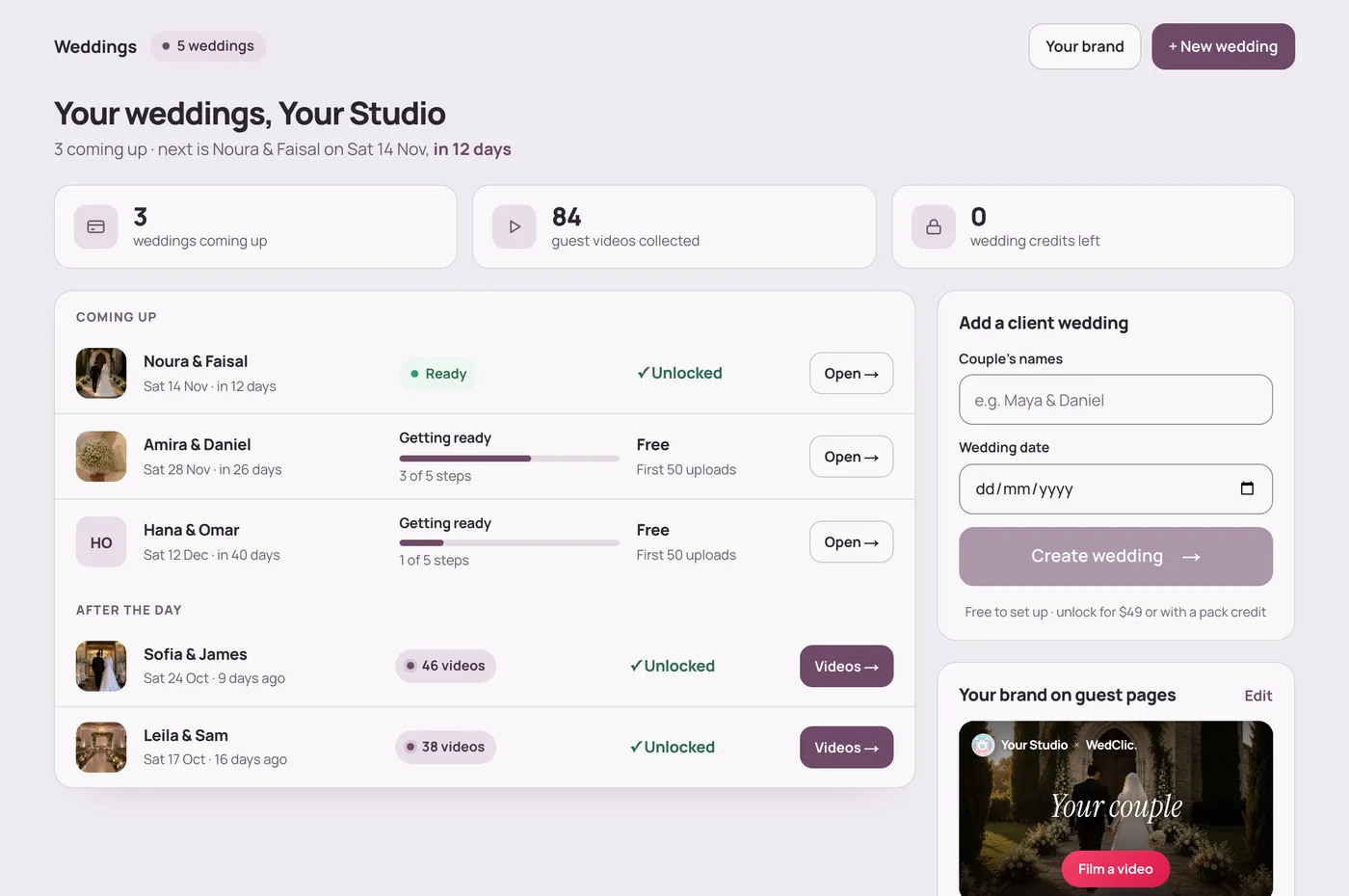
Set your own price per wedding. Collection is a fixed cost, so you can see what each film leaves you.
Example figures: you set your own price. WedClic costs US$49 for each wedding you unlock.
What WedClic costs you
US$49per wedding, once
Wedding packs are coming for busy seasons. Pack credits never expire, and a pack’s unused weddings can be refunded within 30 days.
Questions
What wedding businesses ask about this.
Not with a QR code that opens a browser page. With WedClic for Pros, guests scan, film or choose clips and send them with no app and no login.
Make it specific and easy: a short shot list, the QR code on every table, and one announcement from the host. Asking for “The first dance” works better than “send us your videos”.
That’s part of your offer. Choose film lengths you can edit well within your delivery time, and say clearly what the couple gets: the film, the raw clips, or both.
Agree in your contract with the couple how guest footage is used, and tell guests where their clips go. Rules differ by country, so check yours.
WedClic for guest-video businesses
Tell us about your business. Pro accounts are set up by hand for now, and every wedding starts free, so you can test the guest page with a couple before you pay.