You keepUS$200a wedding
Over a yearUS$4,00020 weddings
Example figures: you set your own price. WedClic costs US$49 for each wedding you unlock.
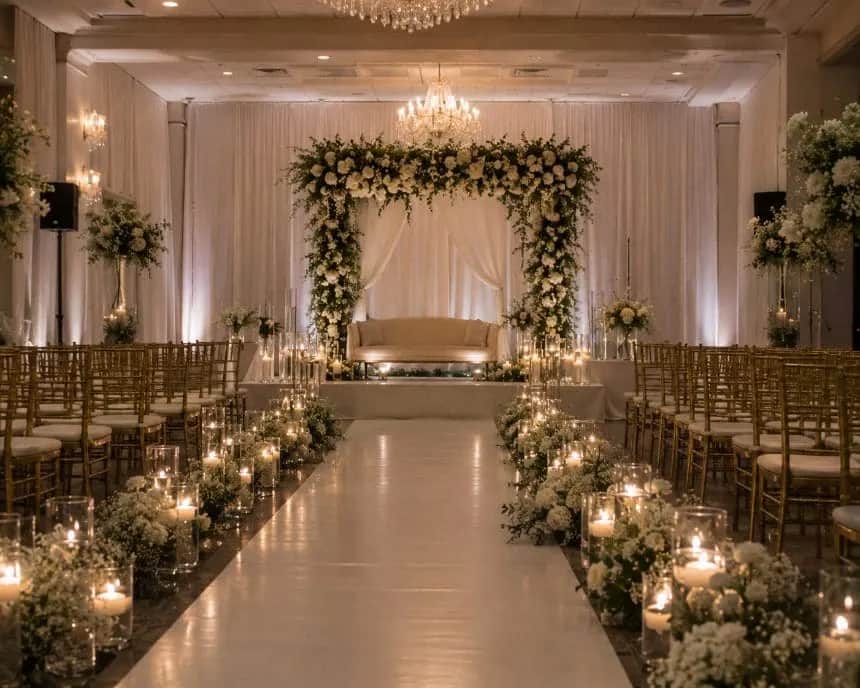
While you film the vows, guests catch the tables, the dance floor and the speeches. They scan your QR code and film from a shot list you choose, on a page with your business name. Every clip arrives as the original file, ready for the edit.
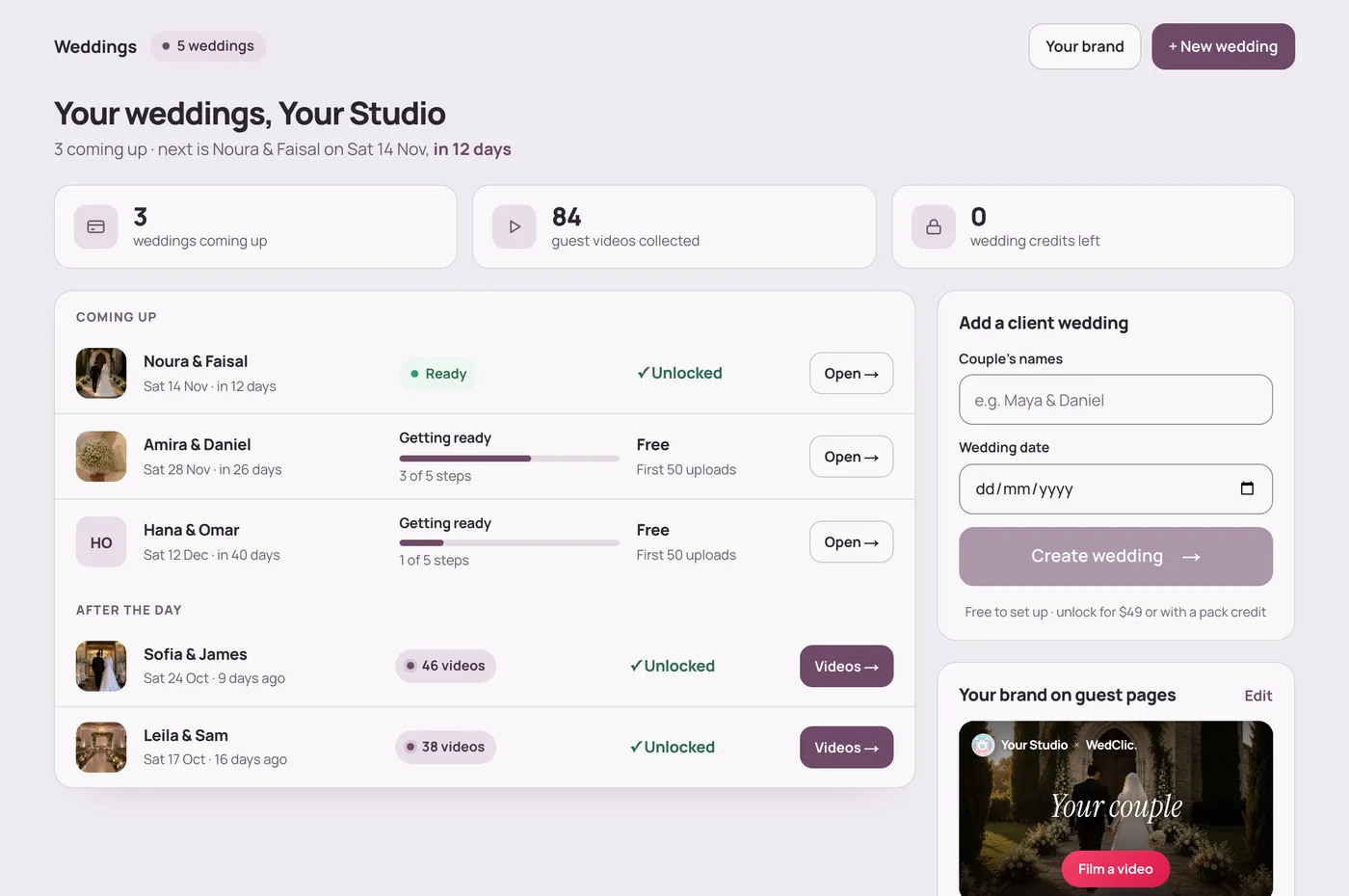
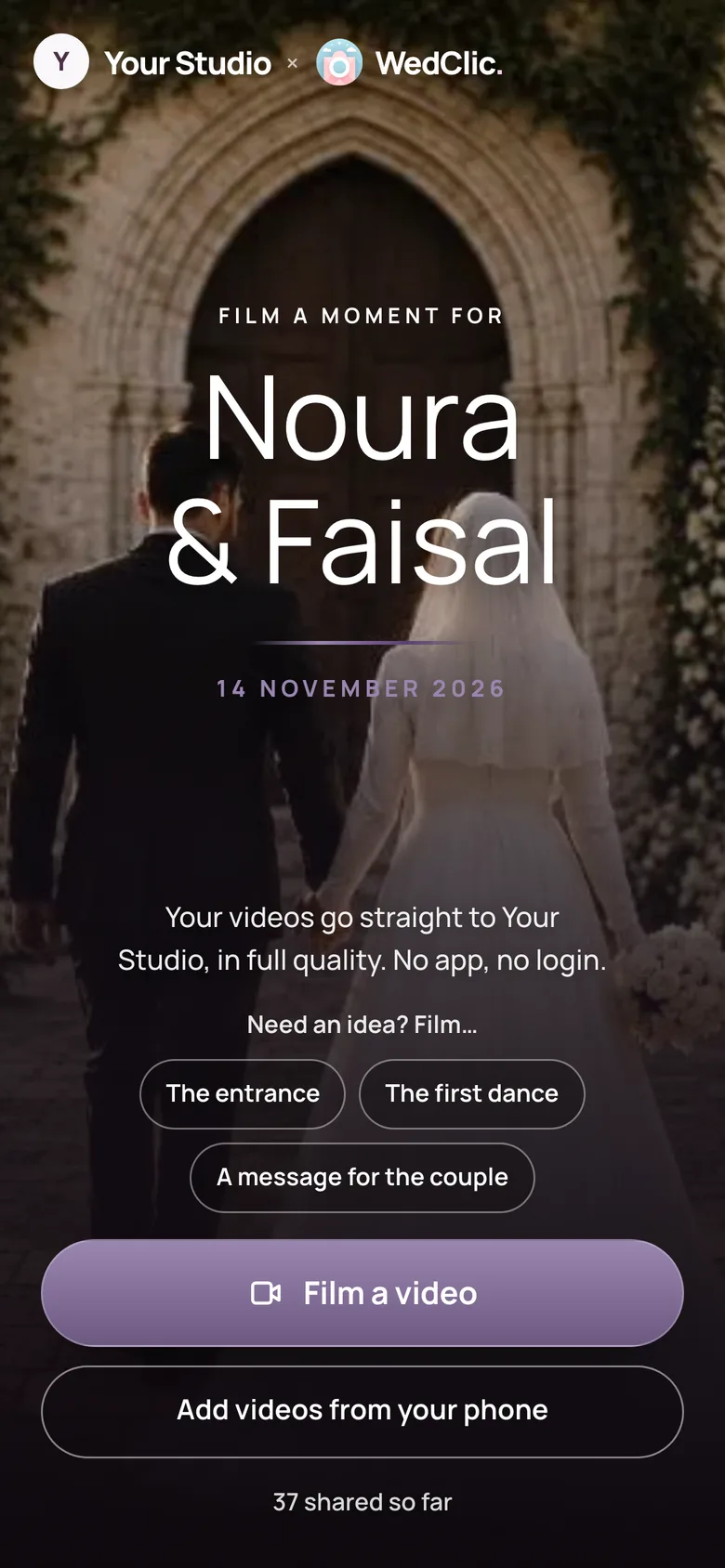
Give each wedding a QR code. Guests film from your shot list. You download the originals.
With WedClic, a wedding videographer gives each wedding a QR code that opens a guest page under their business name. Guests film from a shot list the videographer chooses, and each clip uploads from the phone’s browser at full quality, up to 2 GB, with no app. After the wedding, the videographer downloads the original files and cuts them into the film.
How it works
Create it with the couple’s names and date, and choose what guests should film. Put the QR code in the invitation, on the tables or on the welcome sign.
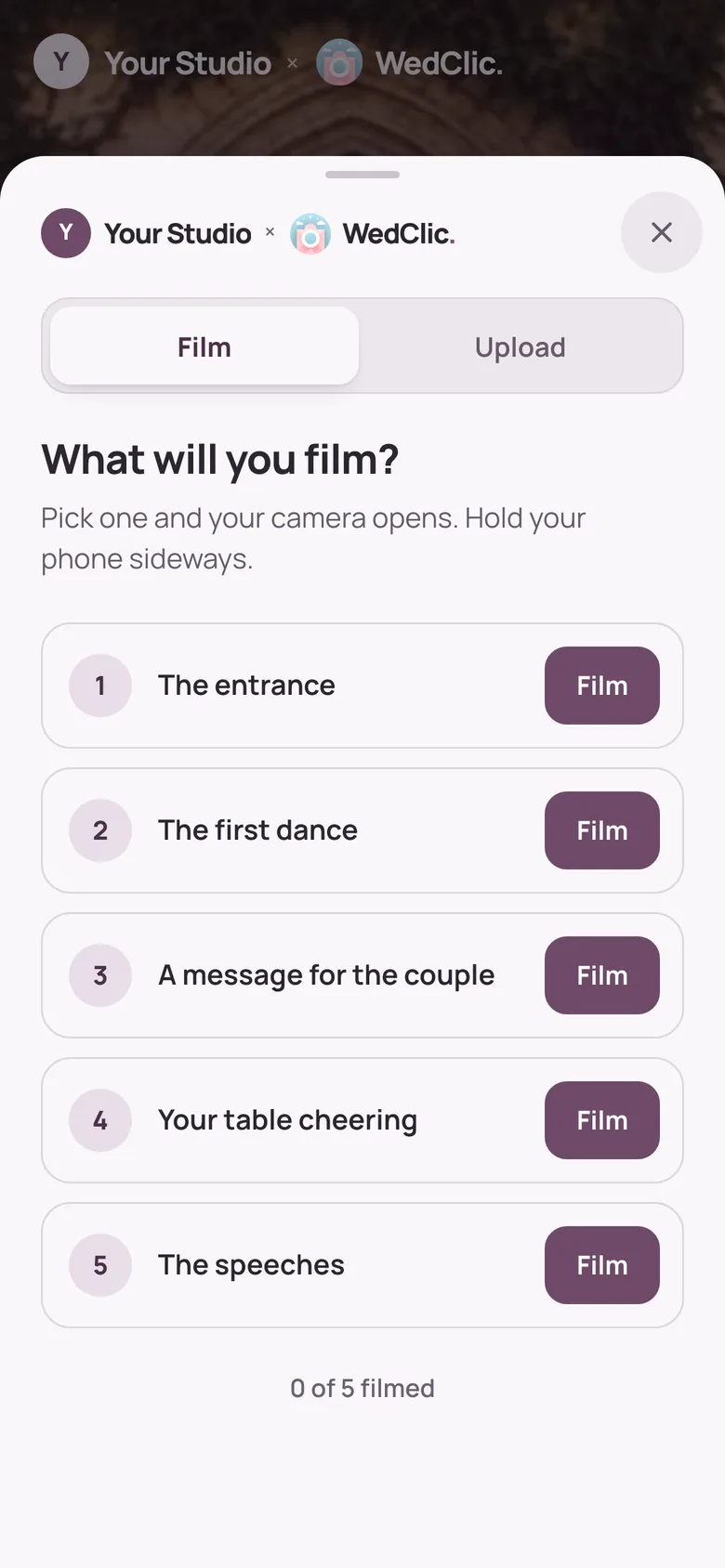
They tap a shot, their camera opens and the clip uploads from the browser. They’re asked to hold the phone sideways. No app, no AirDrop.
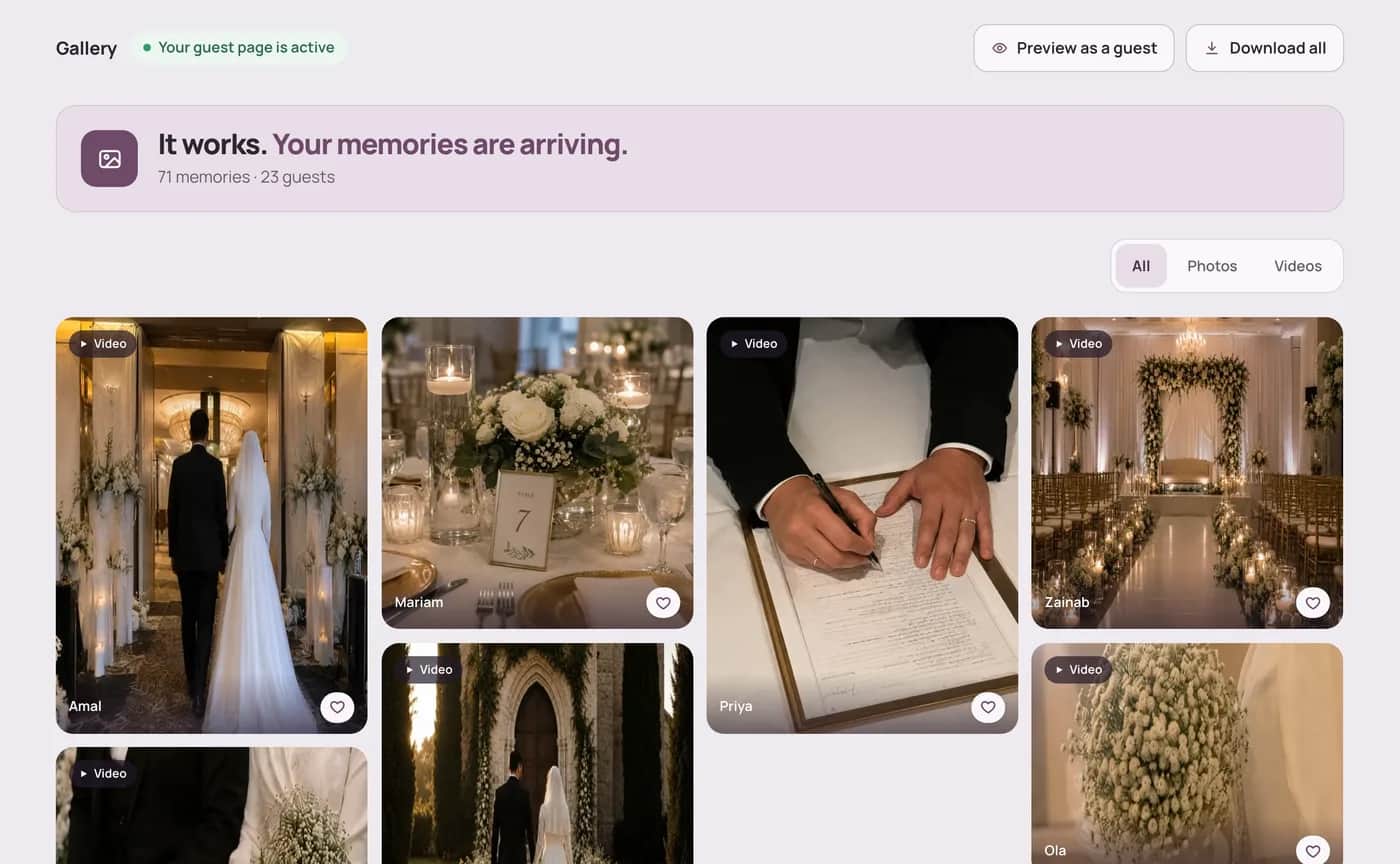
Every clip waits in that wedding as the original file. Download them all and drop the best angles into the film.
 Free guideThe wedding shot list for phone footageEvery moment to catch, and which ones to hand to guests.Read the guide
The money
Offer guest footage as an extra in your packages, at your own price. There’s no subscription, so it only costs you when you sell it.
Example figures: you set your own price. WedClic costs US$49 for each wedding you unlock.
What WedClic costs you
US$49per wedding, once
Wedding packs are coming for busy seasons. Pack credits never expire, and a pack’s unused weddings can be refunded within 30 days.
Why not a group chat?
WhatsApp, AirDrop or a shared Drive
WedClic for Pros

Questions
What wedding businesses ask before their first wedding.
Phones won’t match your camera, but nothing is re-encoded: you edit the same file the phone recorded. Guests are asked to hold the phone sideways, so most clips arrive in landscape.
Whatever the guest’s phone records, including iPhone .mov and Android .mp4 files. You download each file in the format it was recorded in.
Up to 2 GB per video and 50 MB per photo. Large files upload in small parts, so a weak venue signal retries one part instead of starting the whole clip again.
Yes, for every wedding. A shot list holds up to 12 shots of up to 80 characters each, such as “The entrance” or “A message for the couple”.
Yes. You pay WedClic US$49 for each wedding you unlock and charge your couple whatever you like. The guest page carries your business name, not a WedClic offer.
Yes. The top of every guest page reads “your business × WedClic”, with your logo, and tells guests their videos go straight to you.
Every wedding starts free, so you can set it up and test the page with the couple. The first 50 uploads show. Guests can keep uploading after that; later uploads are kept and open as soon as you unlock the wedding for US$49.
No. Guests scan the QR code or open the link, and the page works in their phone’s browser. There is no app to install and no guest account.
No. Pro guest pages never ask guests for their email address and never show them WedClic offers.
No. You pay US$49 once for each wedding you unlock. Nothing renews, so a quiet month costs you nothing.
Send the form at the bottom of this page, or email hello@wedclic.com with your business name. Pro accounts are set up by hand for now, and every wedding starts free, so you can test the guest page before you pay.
Get set up
Tell us about your business. Pro accounts are set up by hand for now, and every wedding starts free, so you can test the guest page with a couple before you pay.