Wedding content creator shot list Every moment worth a clip, from getting ready to the last dance.

A working shot list for wedding content creators: what to film in each part of the day, which angles to hand to guests, and the kit that keeps you filming. Copy it into your own checklist and adjust it for each couple.

Set up my studio Free guide · updated 2 November 2026
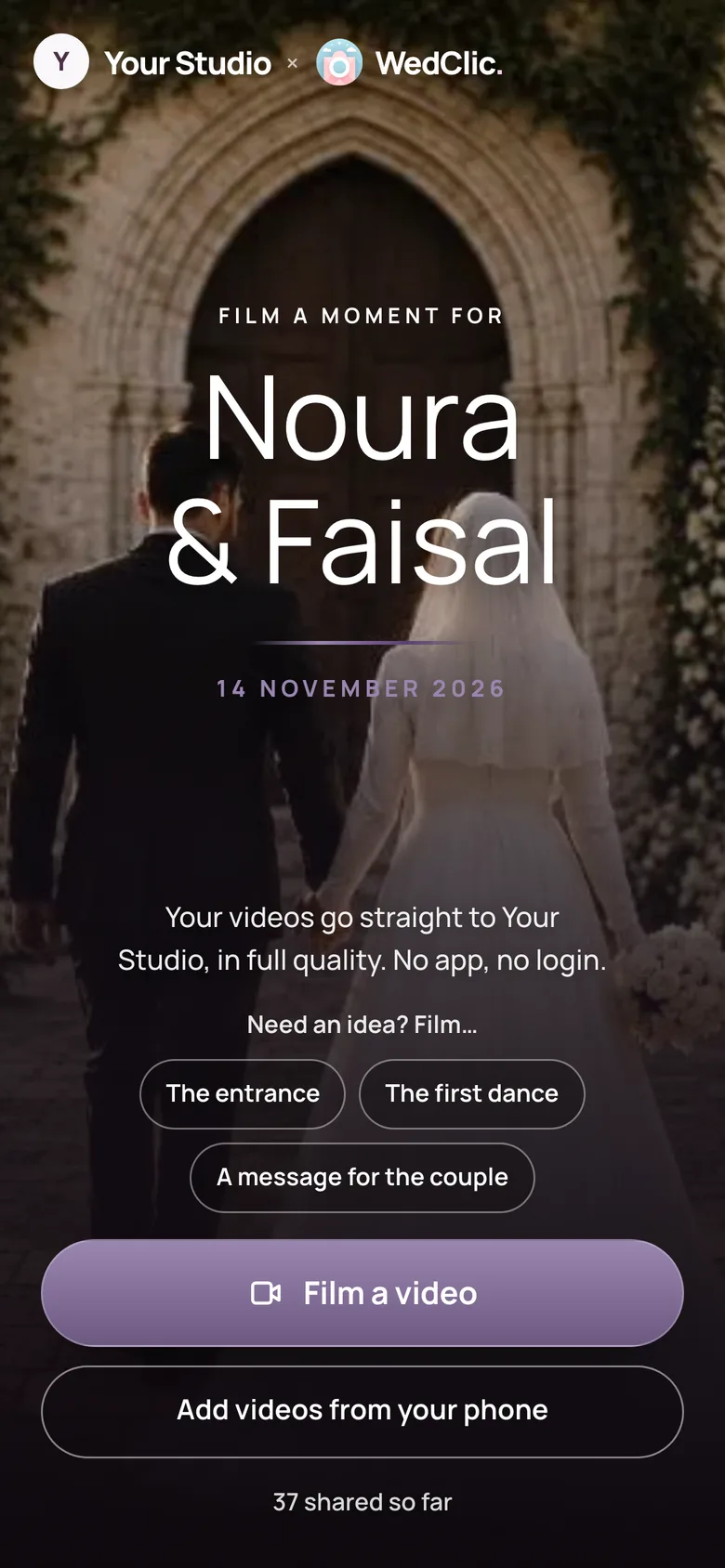
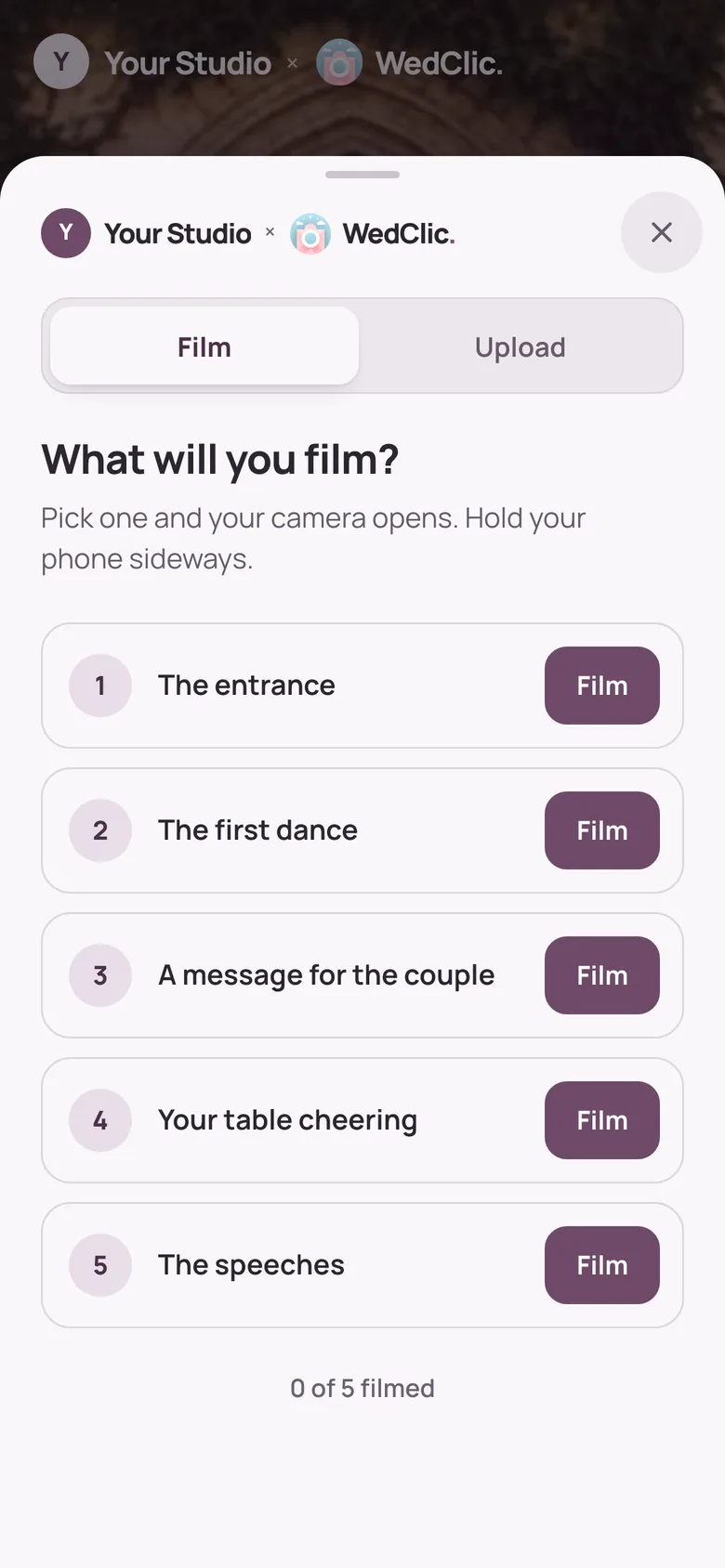
The guest page’s shot list: What will you film? The entrance, the first dance, a message for the couple, your table cheering, the speeches
The real guest shot list

What should a wedding content creator film?

Film the day in five parts, in short vertical clips, with a few takes of each moment.

A wedding content creator films short vertical phone clips of the whole day for the couple’s social media: getting ready, the ceremony, the details, the reception and the party. Agree the must-have moments with the couple first, film a few takes of each, and hand the angles you can’t reach, like the guests’ tables and the speeches from the room, to guests through a shot list.

  • Vertical clips
  • Five parts of the day
  • Several takes
  • Guests fill the gaps

The shot list

Five parts of the day, shot by shot.

Swipe through each part. Film the details while it’s quiet and keep your phone free for the moments that only happen once.

Part 1 of 5

Getting ready

  • The rings, shoes and invitation as a flat-lay
  • Hands buttoning, lacing or pinning
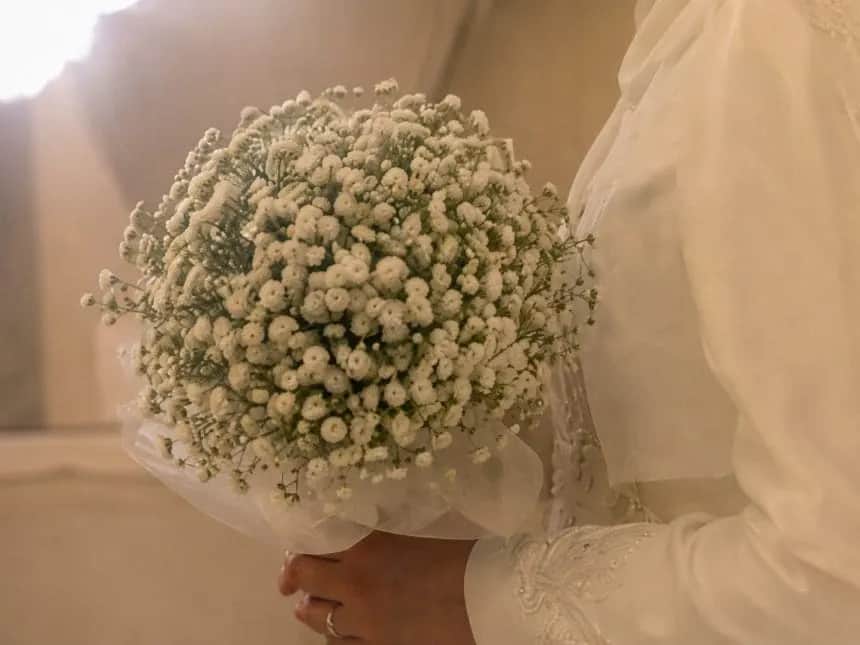
  • The bouquet arriving
  • The view from the window before it starts
  • A short message from the wedding party
  • A parent seeing the couple ready
Part 2 of 5

The ceremony

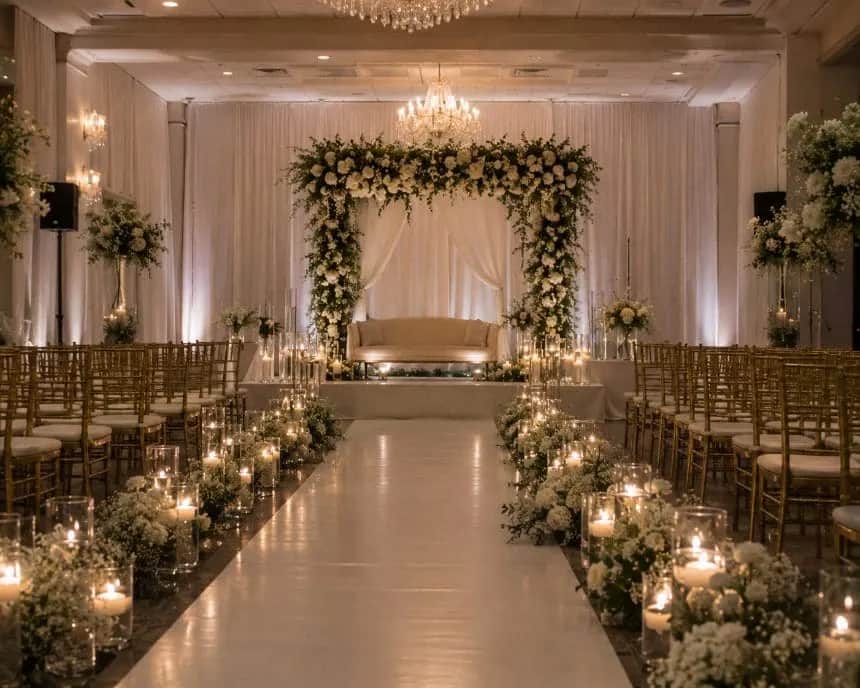
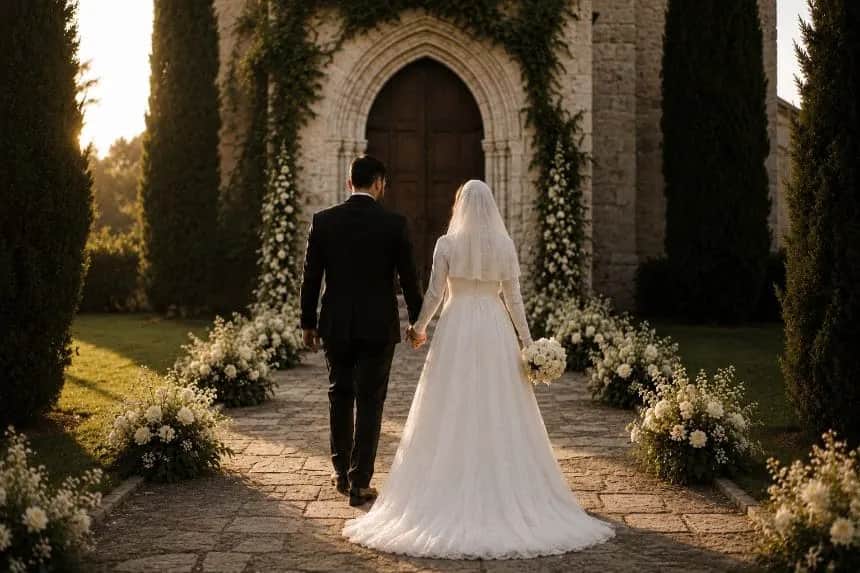
  • The empty aisle before guests arrive
  • Guests taking their seats
  • The entrance, from behind the last row
  • Hands during the vows
  • The ring exchange, close
  • The first walk back down the aisle
Part 3 of 5

The details

  • The welcome sign and seating chart
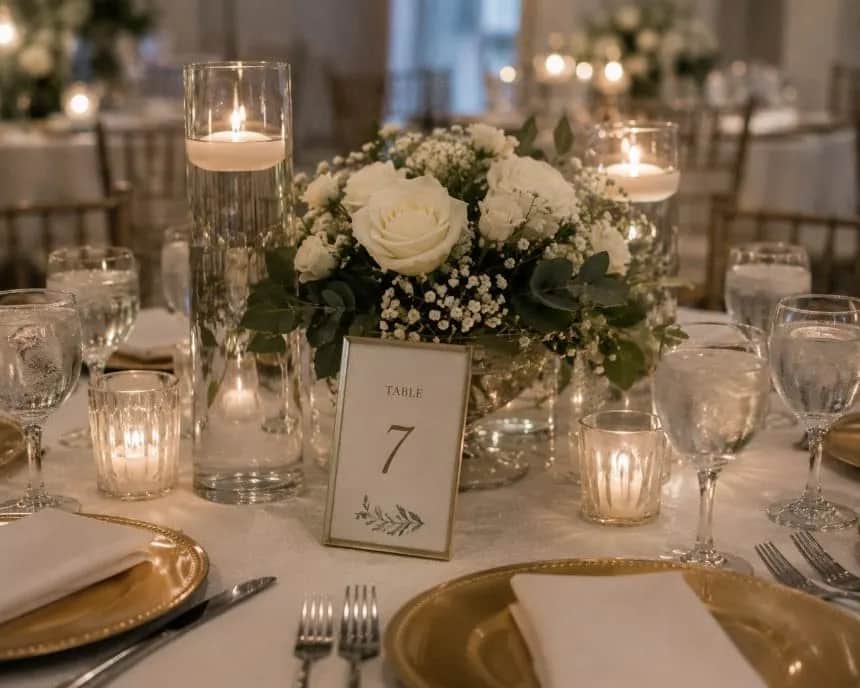
  • Table settings before anyone sits
  • Slow pans across the flowers
  • The cake before it’s cut
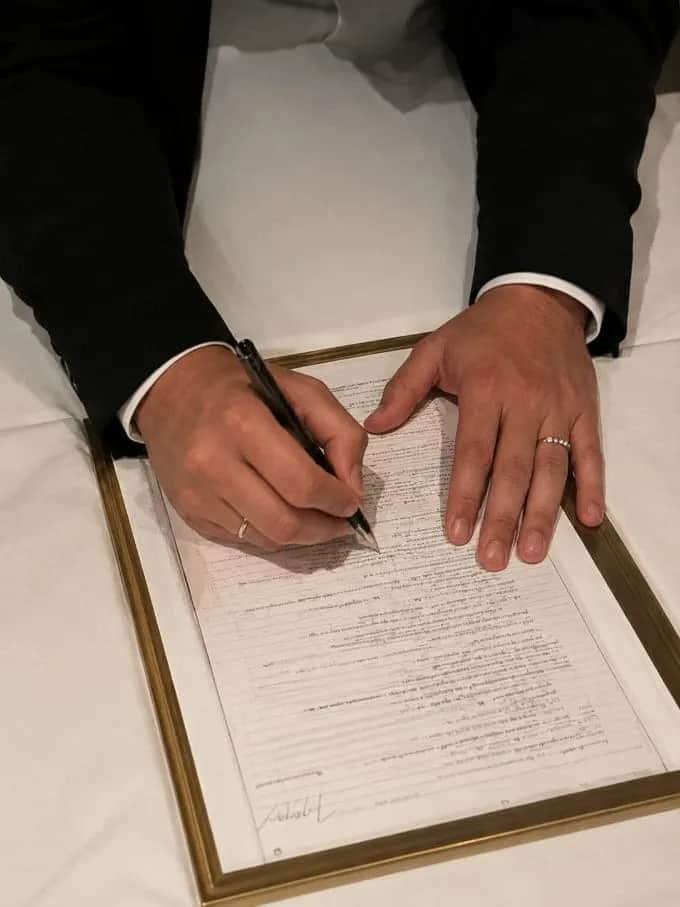
  • Signing the register or certificate
  • Place cards and favours
Part 4 of 5

The reception

  • The grand entrance
  • Speeches, from the side of the room
  • Guests reacting to the speeches
  • The cake cutting
  • The first dance, wide and close
  • Parents on the dance floor
Part 5 of 5

The party and the exit

  • The dance floor filling up
  • A slow-motion clip in the middle of it
  • The bouquet toss, if they have one
  • The exit: sparklers, petals or candles
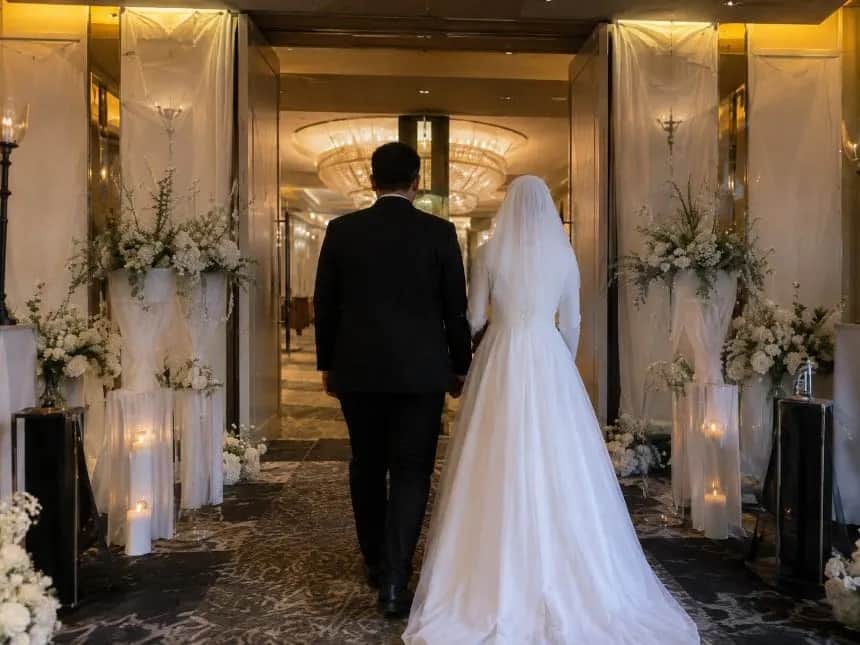
  • The couple walking away, from behind
  • The empty room at the end of the night

Hand these to guests

The shots guests are better placed for.

You can’t be at every table. Put these on a guest shot list: each guest taps one and their camera opens.

  • Your table cheering
  • The speeches from where you sit
  • The dance floor from inside it
  • A message for the couple
  • The entrance from the back
The guest page’s shot list: What will you film? The entrance, the first dance, a message for the couple, your table cheering, the speeches

Kit list

Pack it the night before.

Phone footage lives or dies on battery, storage and sound.

In the bag

What keeps you filming

  • Your main phone and a second phone
  • A power bank and two cables
  • A handheld grip or gimbal
  • A small LED light
  • A wireless mic for the speeches
  • Lens wipes

Before you leave

What saves the day

  • Clear space on both phones
  • The shot list on your lock screen
  • The run sheet and the couple’s must-haves
  • Do Not Disturb on
  • The guest QR code printed for the tables
  • Your contract and contact numbers

Questions

Straight answers.

What wedding businesses ask about this.

Should wedding content be filmed vertically?

Mostly, yes. Wedding content is usually made for Instagram Reels and TikTok, which are vertical (9:16). Some creators film a few landscape clips too, for a website or a longer edit.

What’s the difference between a wedding content creator and a videographer?

A videographer usually films a produced wedding film on dedicated cameras and delivers it weeks later. A content creator films phone clips of the day for social media, often delivered within a day or two. Many couples book both.

How can guests help a content creator?

Give them a shot list. With WedClic for Pros, guests scan a QR code, pick a shot and film it, and each clip uploads at full quality to the wedding’s gallery under your business name.

How many takes should I film of each moment?

Enough to have a clean option. Moments that happen once, like the vows or the first kiss, get your full attention; details and room shots can be retaken while it’s quiet.

WedClic for content creators

Every angle in your next reel.

Tell us about your business. Pro accounts are set up by hand for now, and every wedding starts free, so you can test the guest page with a couple before you pay.

Set up my Pro account

Or email hello@wedclic.com. No card needed.